Travel
How to Translate a Foreign Receipt and Split the Bill Fairly
Read in other languages: Русский·Українська·Беларуская·हिन्दी·Español·Bahasa Indonesia·简体中文·Bahasa Melayu·தமிழ்
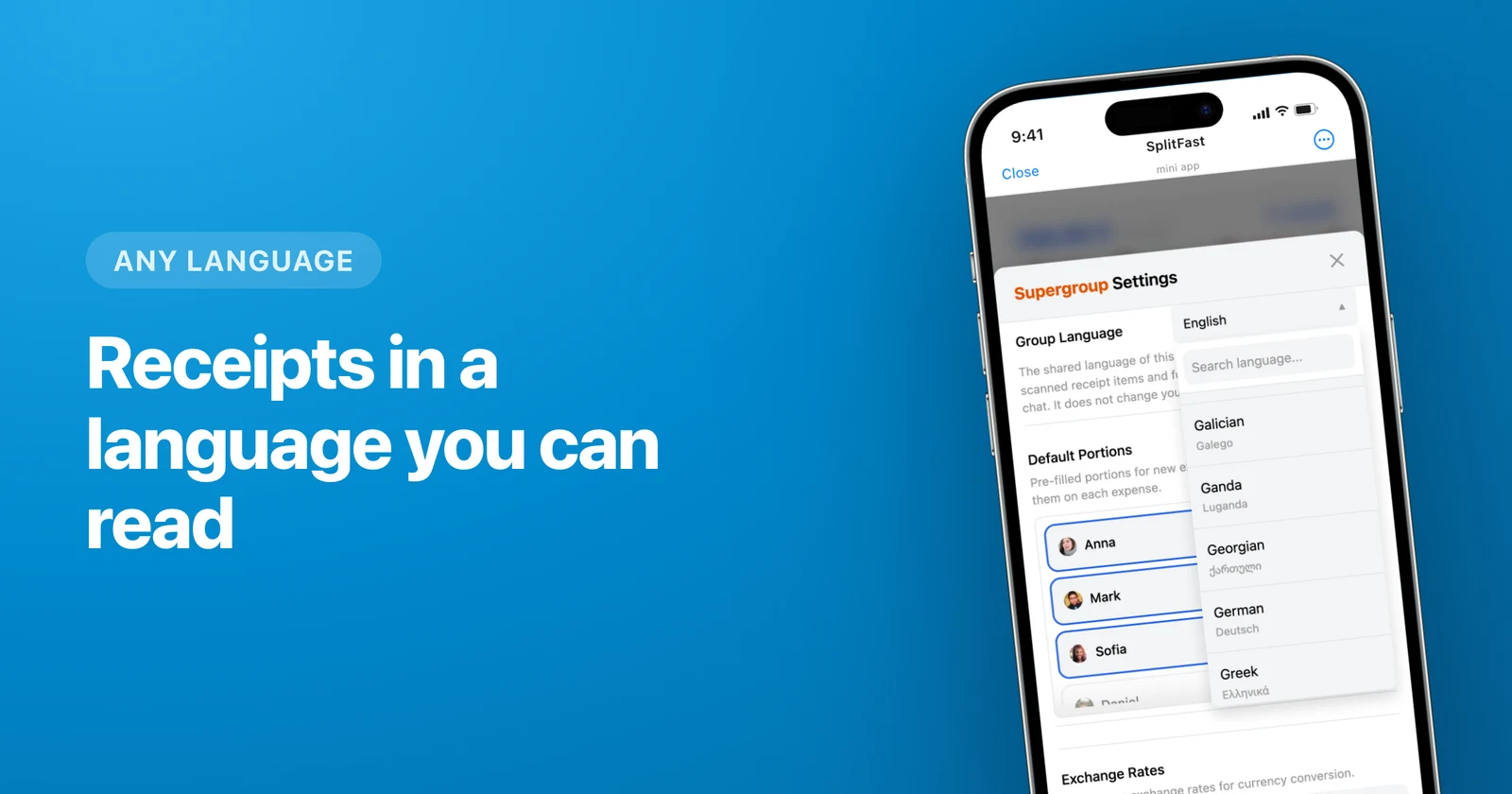
Pick your group’s language in SplitFast, scan the bill, then tap Translate. Every item on the receipt comes back in a language your table can actually read, and the original is still one tap away. Scanning handled the numbers. This handles the words.
- 200 languages, searchable by code, English name or its own alphabet.
- Anyone in the group can set it. No admin roles, no permissions to hand out.
- One tap translates the whole receipt.
- Original and translation both kept. Switch between them whenever, even months later.
You can read the prices. You can’t read the food.
Lisbon, Tokyo, Tbilisi. The bill lands and it isn’t just another language, it’s another alphabet. Scanning still pulls out every line and every price perfectly well. What you’re left with is a tidy column of numbers next to words nobody at the table can read.
So nobody claims anything. You can’t volunteer to pay for a dish when you’ve no idea whether it’s the fish, the second bottle of wine or the cover charge. Ten minutes of squinting later, someone says “let’s just split it evenly” and the person who drank tap water quietly pays for someone else’s Douro.
That’s the whole problem. Not the maths. The vocabulary.
How to translate a receipt and split it
Pick your group’s language
Open group settings, tap Group Language, start typing. You can search by code, by the English name, or by the name in its own alphabet: Deutsch and 日本語 both land on the right row. Anyone in the group can set it.
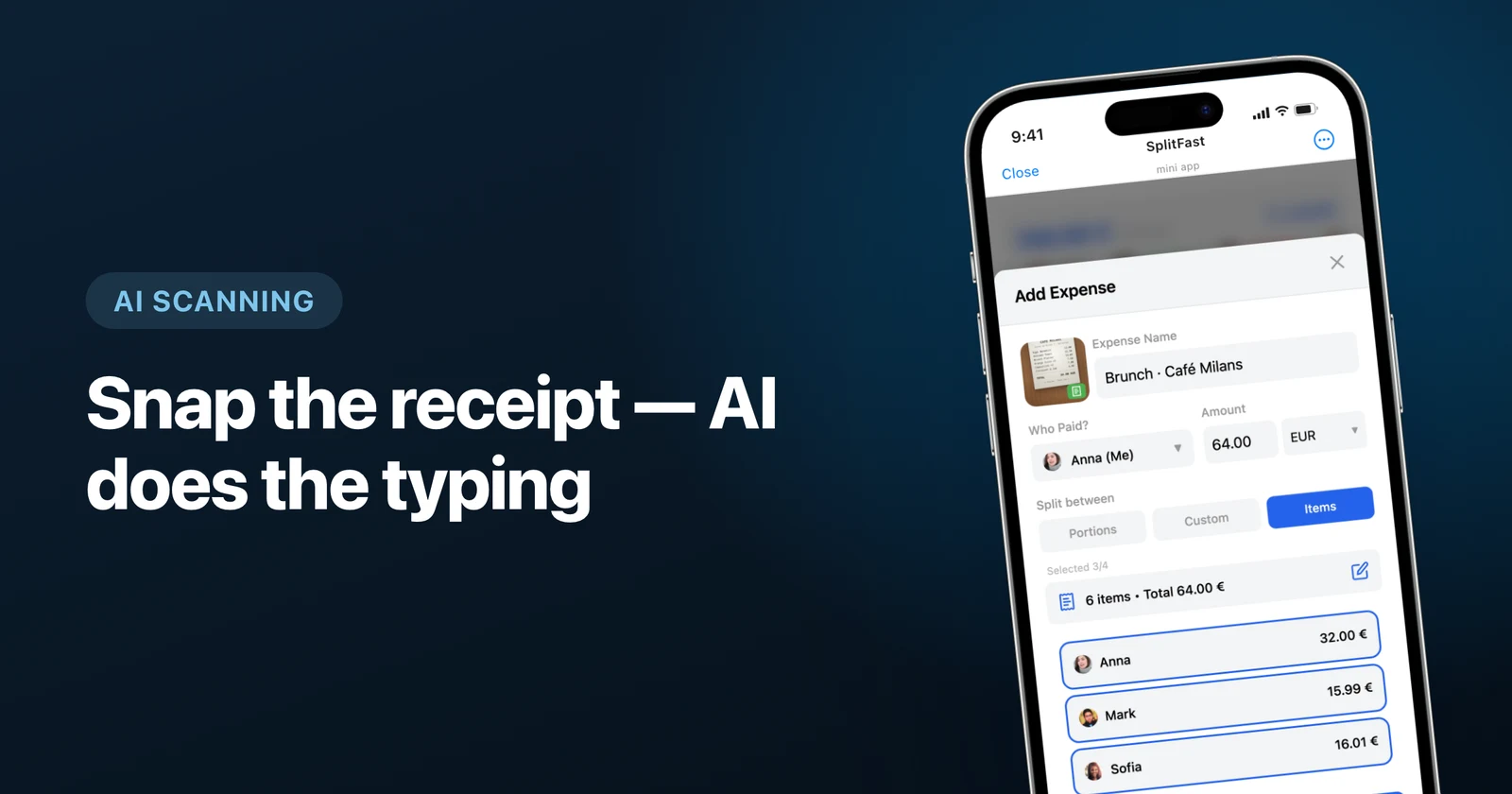
Photograph the bill
Same scan as always. Item names come back exactly as printed, because that’s what’s on the paper in front of you.
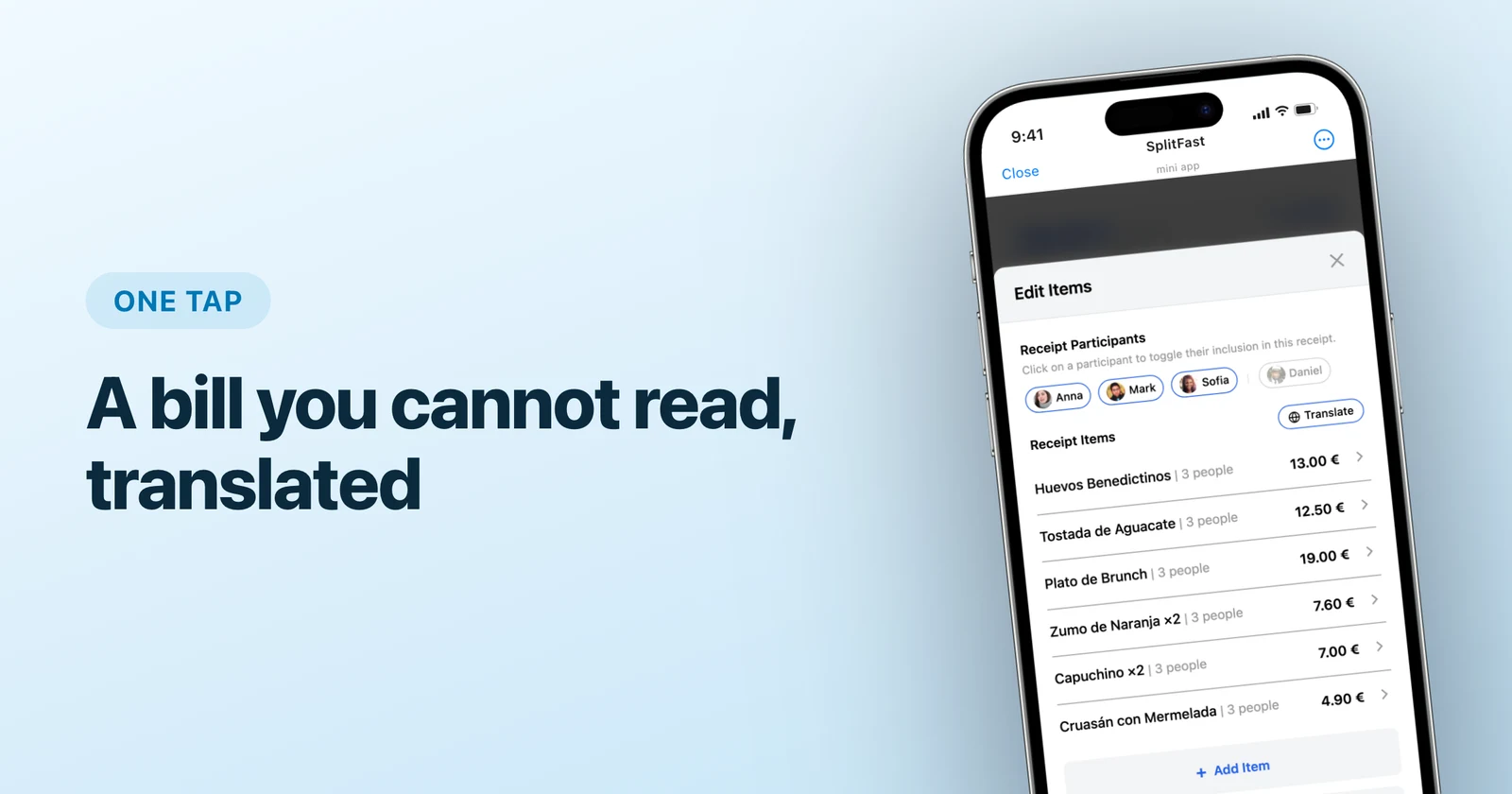
Tap Translate
The whole receipt flips into your group’s language at once. You do this when you need it, so a bill your group already reads never gets touched.
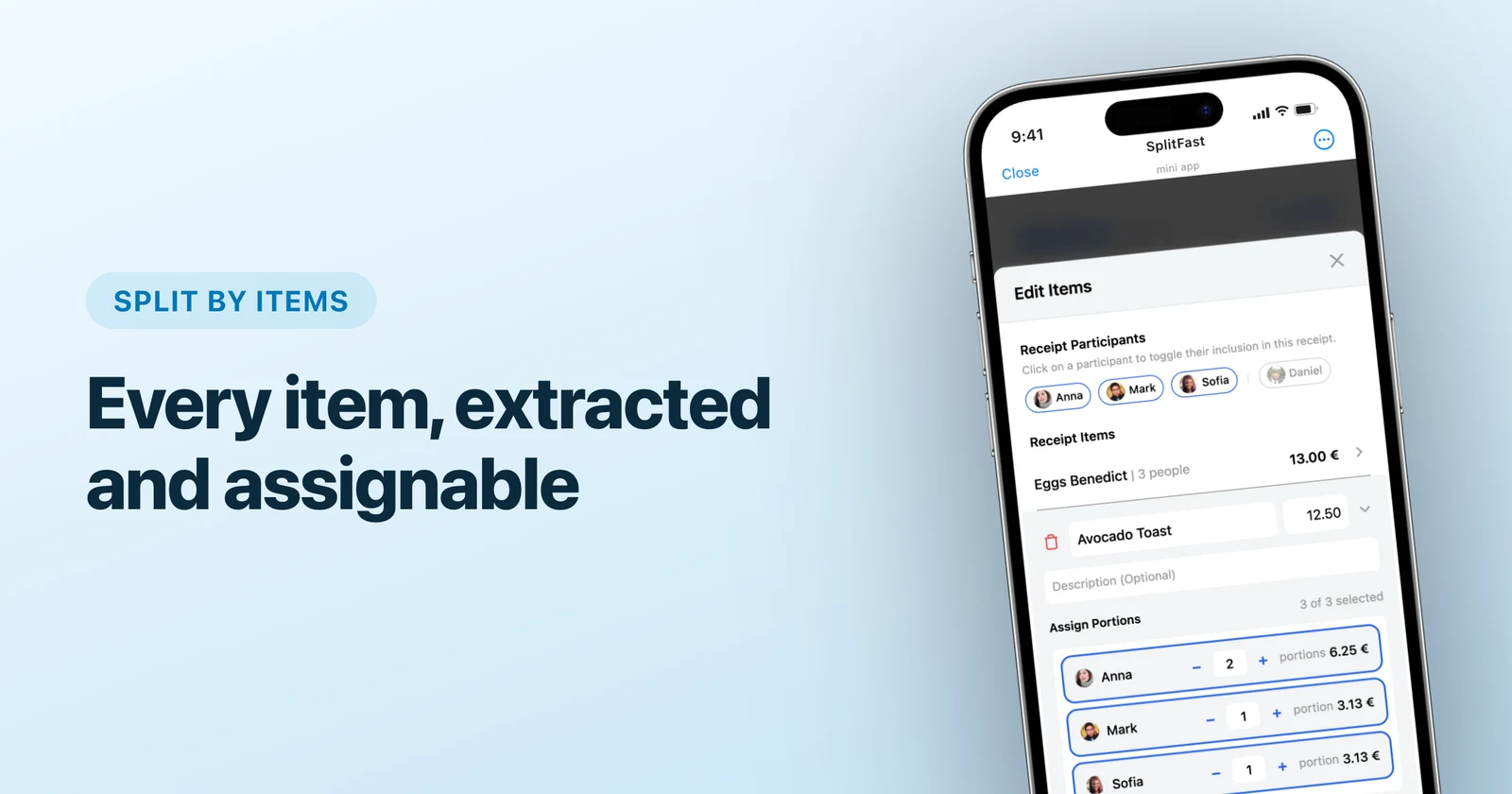
Everyone claims their own
This is the part that was impossible five seconds ago. People tap the dishes they ordered, shared plates go into portions, and the item-by-item split does the rest.
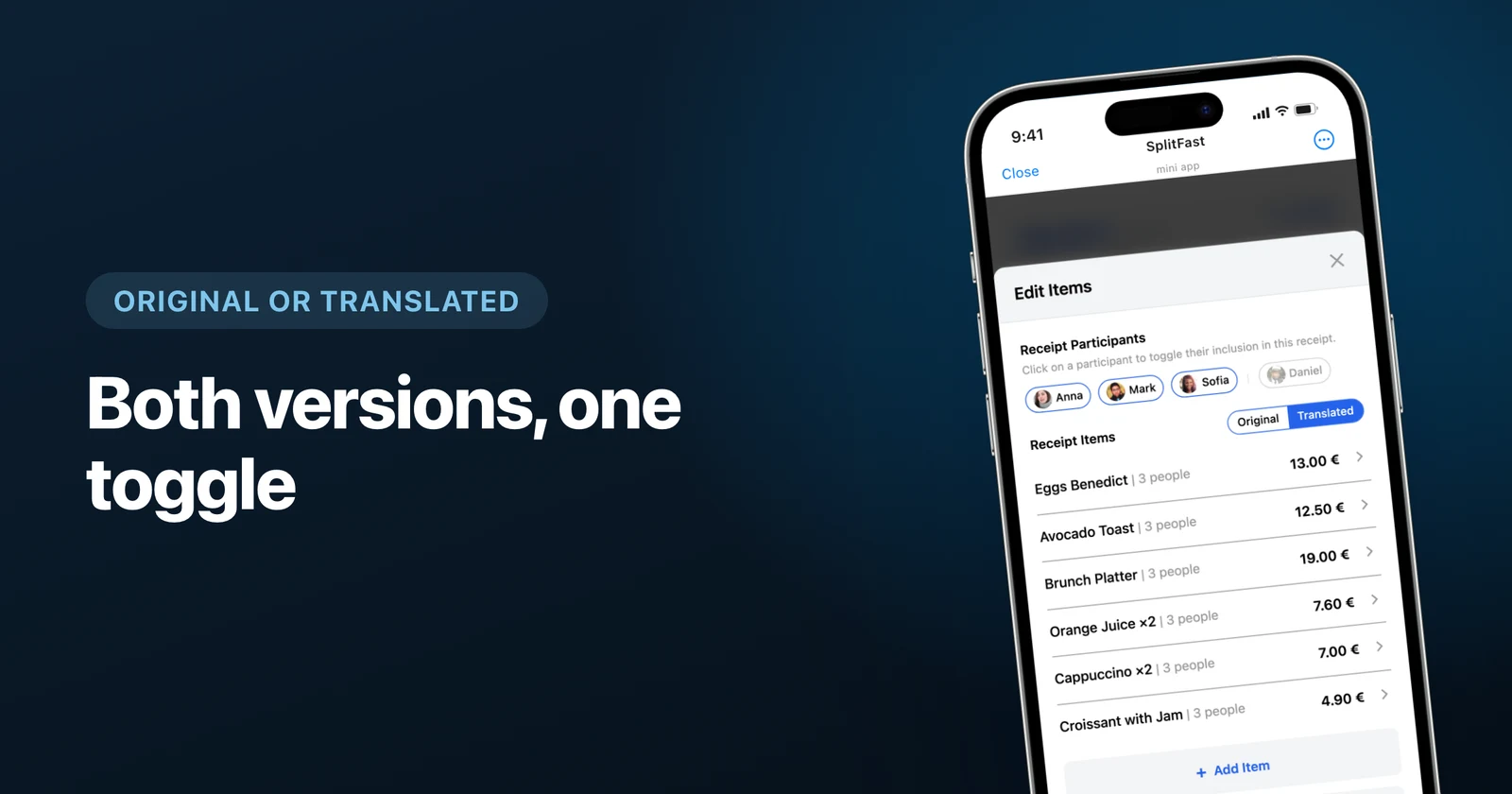
Keep the original. You’ll want it.
Translating doesn’t erase anything. Both versions sit behind a switch at the top of the list, and you flip between them whenever you like, including long after the expense is saved.
Sounds like a small thing. It isn’t. The person who ordered the bacalhau à brás recognises those exact words, because they pointed at them on the menu an hour ago. Everyone else needs to see “salt cod with potatoes and eggs” to know what they’re being asked to pay for. One list can’t do both jobs, so you get both lists.
Will the bot speak my language?
Straight answer: only if it’s English, Russian, Ukrainian, Belarusian, Simplified Chinese, Malay or Tamil. Those seven are fully translated.
Set the group language to Portuguese, Cebuano or Cantonese and your receipts still translate exactly as described, across all 200. The bot’s own messages in the chat stay English. We’d rather you read that here than work it out at a table in Porto.
Before the next trip
- Set the group language on the plane, not while the waiter hovers.
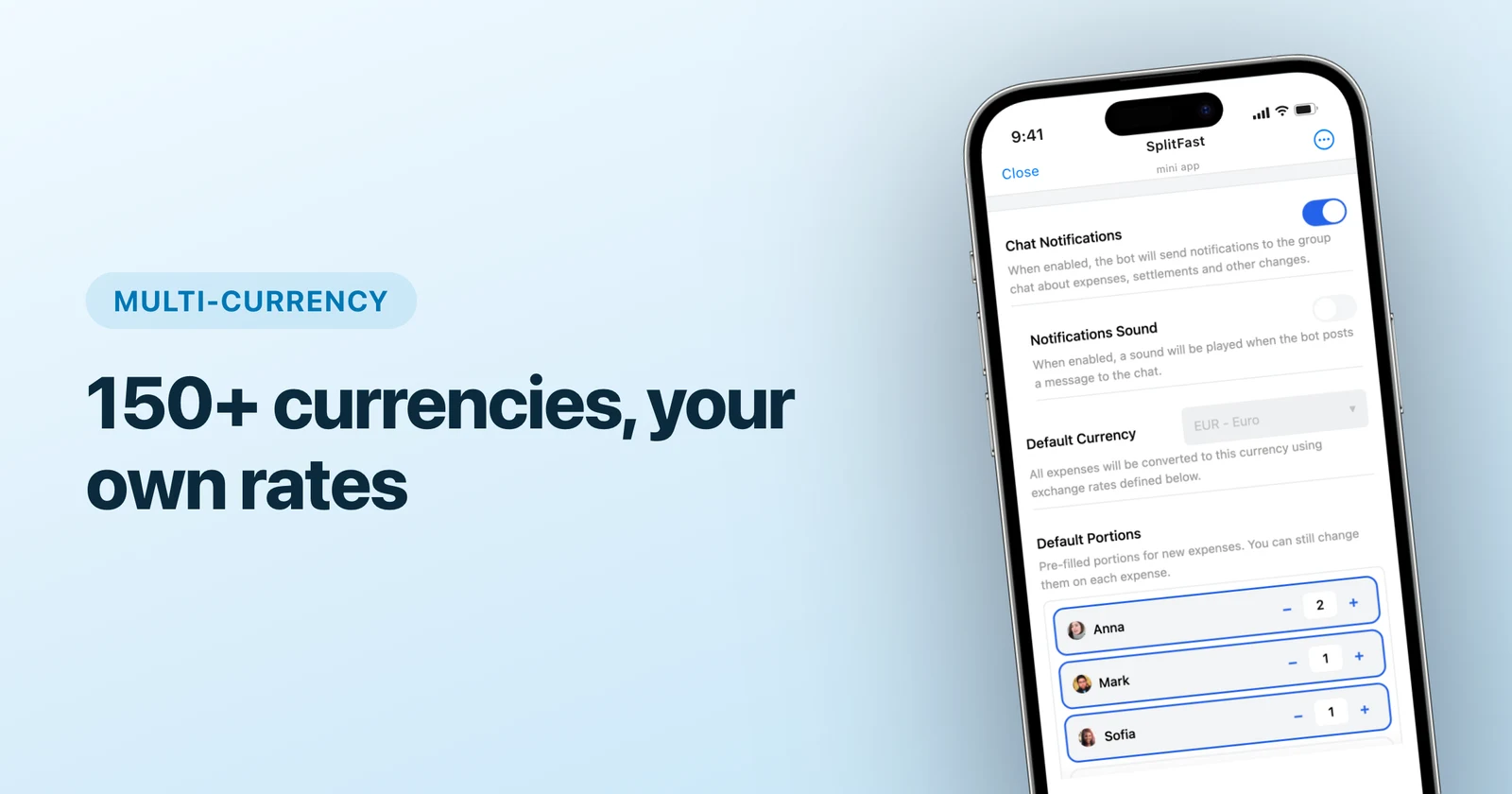
- Set the main currency too, so balances across currencies stay comparable.
- Scan at the table. Reading foreign bills is what the scanner is best at.
- Translate when the table needs it, and leave it alone when it doesn’t.
A receipt in an alphabet you don’t know used to be the end of splitting fairly. Now it’s one tap, in the same group chat where you were going to argue about it anyway.
Frequently asked questions
How do I split a bill I can’t read?
Photograph it, then translate it. SplitFast pulls every line and price off the receipt, and one tap turns the dish names into your group’s language. Once people can read what they ordered, they claim their own items instead of defaulting to an even split.
Can it translate a receipt in any language?
Two hundred of them, from Portuguese and Japanese to Georgian, Cebuano, Cantonese and Sorani Kurdish. Type the language code, its English name or its name in its own alphabet to find it.
Can I still see what the receipt originally said?
Always. Translating doesn’t overwrite anything — a switch at the top of the list flips between the original wording and the translation, and it keeps working after the expense is saved. Handy when one person recognises the dish they pointed at on the menu and everyone else needs the English.
Will the bot write its messages in my language too?
Only if that language is English, Russian, Ukrainian, Belarusian, Simplified Chinese, Malay or Tamil. Those seven are fully translated. Choose any of the other 200 and your receipts still translate normally, but the bot keeps writing to the chat in English. Better you know that now than in a restaurant.
Does the group language change the app for me personally?
No. The group language is what receipts get translated into and what the bot speaks in the chat. Your own interface language lives in your profile, so a Spanish speaker and a Japanese speaker in the same group each keep the app in their own language.