AI Features
AI Receipt Scanning in Telegram: Snap the Bill, Split It in Seconds
Read in other languages: Русский·Українська·Беларуская·हिन्दी·Español·Bahasa Indonesia·简体中文·Bahasa Melayu·தமிழ்
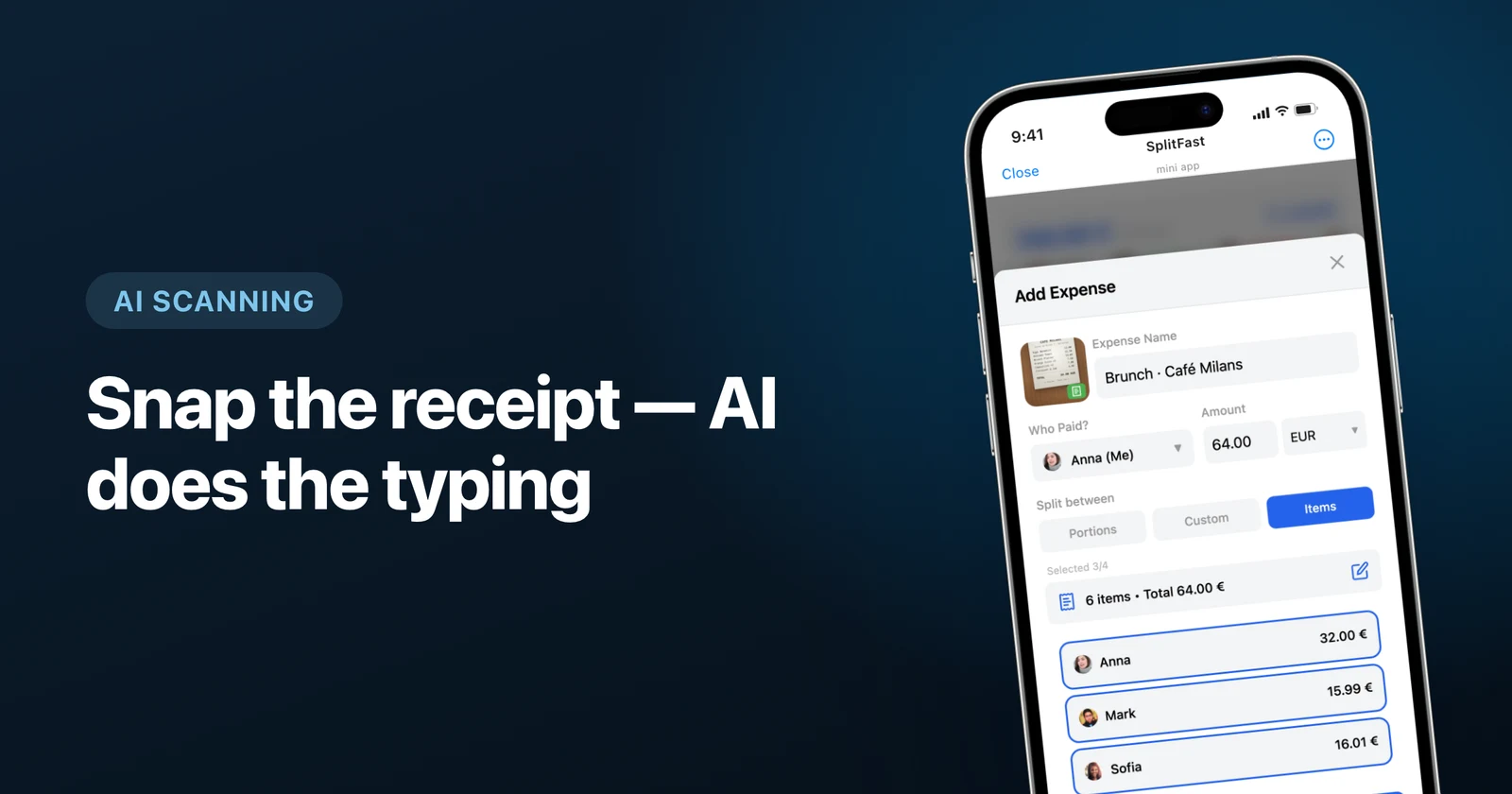
AI receipt scanning in Telegram works like this: photograph the bill inside the SplitFast Mini App, and AI extracts every line item, price and the total in seconds — ready to be split by exact items among your group. Nobody types 14 dishes into a form, and nobody "just splits it evenly" while quietly overpaying for someone's steak.
- Photo → itemized expense in seconds, inside Telegram.
- Works with real-world photos: crumpled paper, bad light, foreign languages.
- Every item is editable and assignable to specific people.
- One premium member unlocks scanning for the whole group.
The problem: receipts are where fairness dies
Every group dinner ends the same way. The bill arrives, someone says "let's just split it evenly", and the person who had a soup and tap water pays for the person who had ribeye and two cocktails. The alternative — reading the receipt aloud and doing per-person math — is so painful that nobody volunteers twice.
Receipt OCR has existed for years, but it usually lives in a separate finance app with an account, a subscription, and zero connection to the chat where your group actually is. Putting the scanner inside Telegram removes the last excuse.
How it works in SplitFast
Snap the receipt
Open the Mini App from your group chat, start a new expense and photograph the bill. Gallery photos and screenshots work too.
AI extracts the items
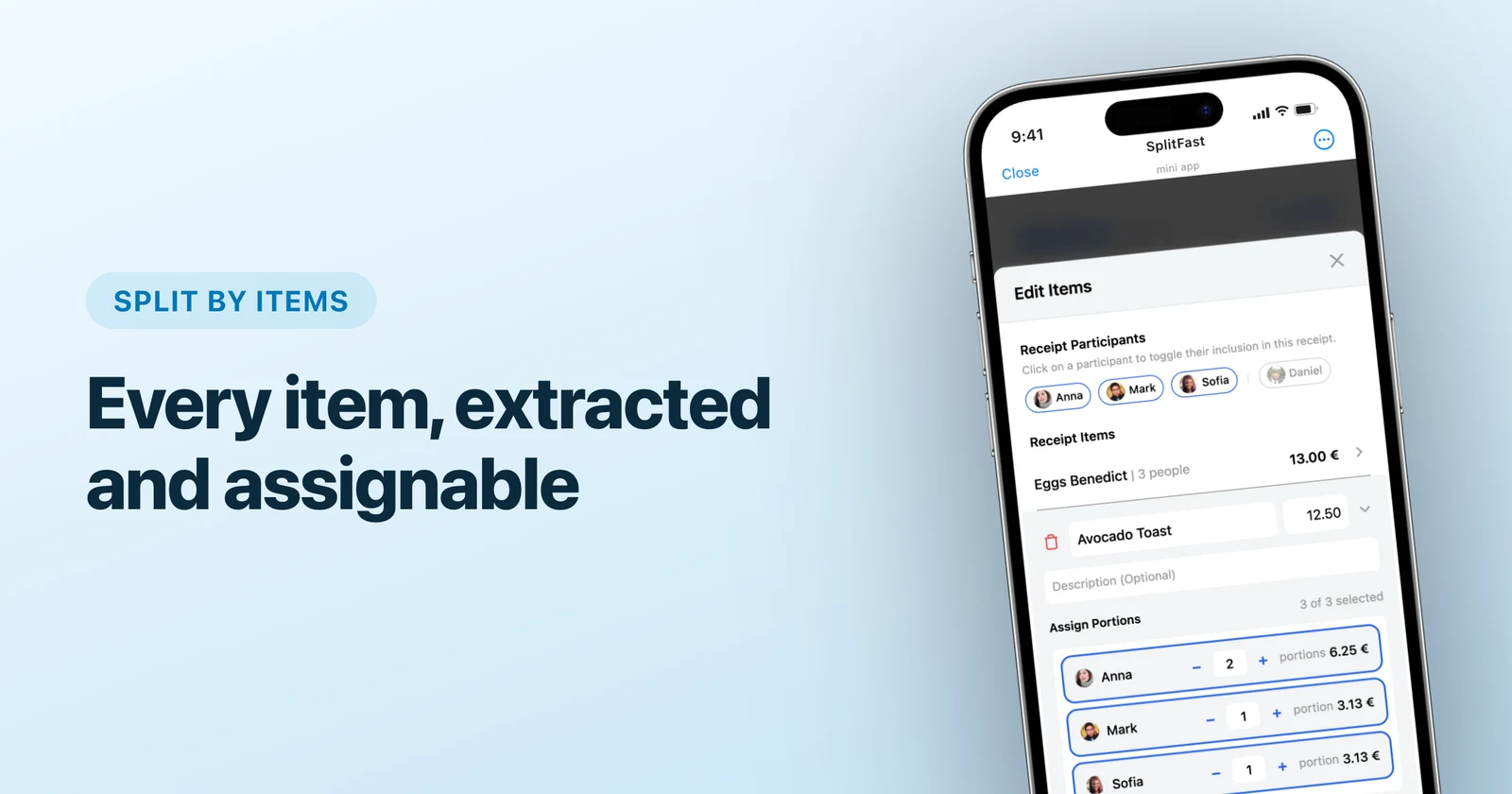
Seconds later you get a structured list: every dish with its price, plus the total. The AI reads receipt structure, so foreign-language bills from your travels parse just as well.
Review and edit
Extraction is fully editable — rename an item, fix a price, delete the "service charge" line if you are splitting it differently. You stay in control; the AI just does the typing.
Assign items to people
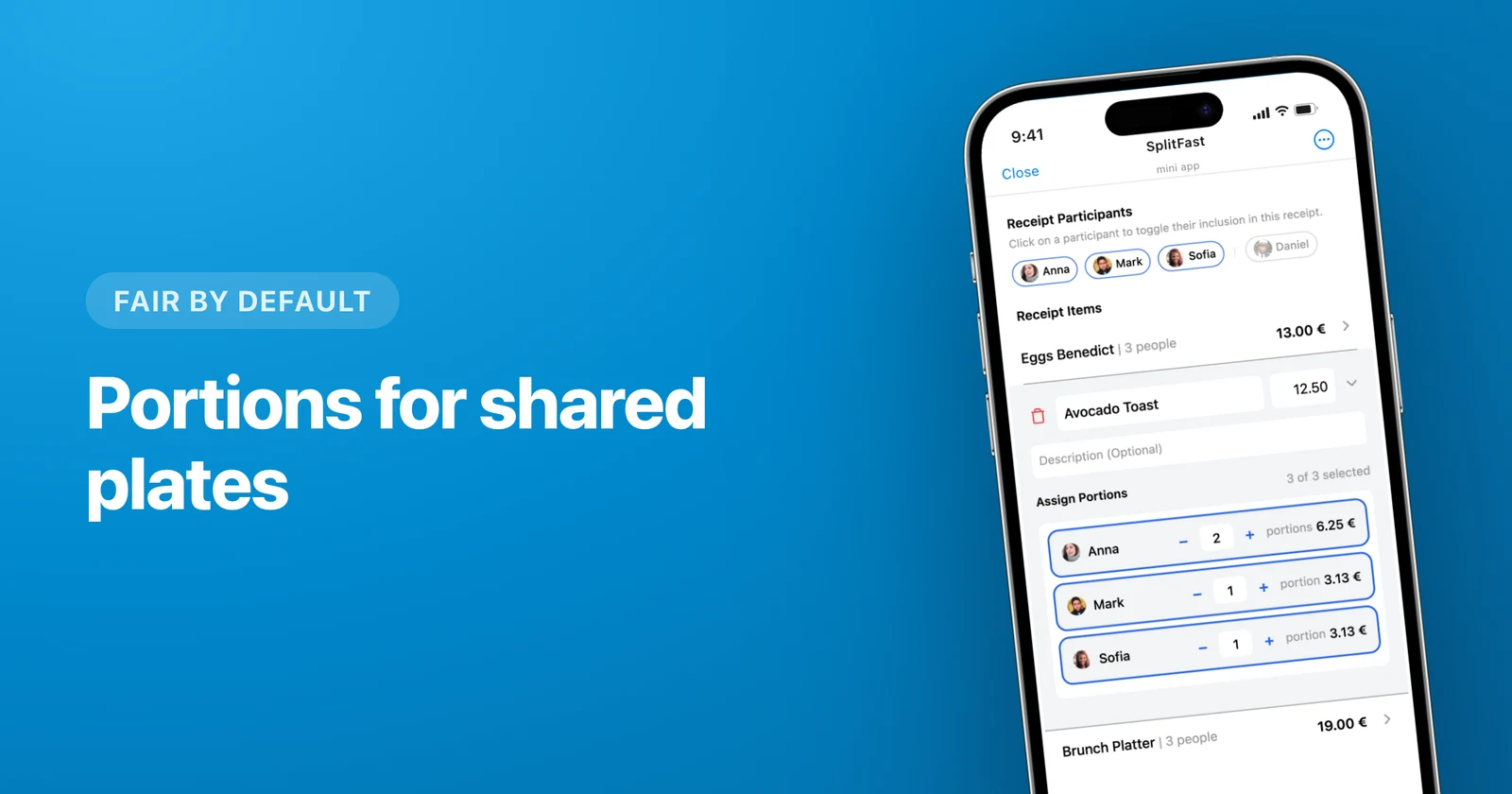
Tap each item and pick who ordered it. Shared starters can be split into portions. When you save, everyone's balance updates — the steak eater owes steak money, the soup person owes soup money.
Where this beats "normal" receipt scanners
| Expense trackers like Expensify | SplitFast in Telegram | |
|---|---|---|
| Where it lives | Separate app + account | Your existing group chat |
| After scanning | You still split manually | Items assigned to real group members |
| Group sees the result | Screenshot it yourself | Balances update for everyone |
| Price | A subscription per person | One premium member covers the group |
Three habits that make scanning shine
- Scan at the table. Ten seconds while the card machine is coming beats reconstructing the dinner from memory next week.
- Let people claim their own items. The expense is visible to the whole group — ordering by committee, settling by receipt.
- Use portions for shared plates. The paella for the table splits into portions; personal drinks stay personal. Details in our item-splitting guide.
Once you have scanned one messy dinner bill and watched it resolve itself into fair per-person totals, even splitting starts to feel like what it always was: a rounding error in someone's favor. New to SplitFast? Start with the full setup guide — it takes about a minute.
Frequently asked questions
How accurate is the AI on real receipts?
Very usable in practice: typical printed receipts — including crumpled or photographed at an angle — come back with correct items and prices. Every extracted item stays editable, so a rare misread is a 2-second fix, not a dealbreaker.
Does receipt scanning work with foreign-language receipts?
Yes. The AI reads the structure of the receipt — items, quantities, prices, total — regardless of language, which is exactly when you need it most: on a trip, facing a bill you cannot read.
Is receipt scanning free in SplitFast?
Scanning is part of SplitFast Premium (or a one-time Supergroup upgrade for a single group). The key detail: one premium member unlocks it for the entire group, so most groups need exactly one subscription — not ten. Attaching receipt photos to expenses works in free groups too; the AI extraction is the paid part.
Can I still split the scanned bill evenly instead of by items?
Of course. Scanning just saves you the typing: once items are extracted you can split the total equally, by portions, by exact amounts, or per item — whatever the group prefers.