Travel
How to Split Trip Expenses in Multiple Currencies (Without Spreadsheets)
Read in other languages: Русский·Українська·Беларуская·हिन्दी·Español·Bahasa Indonesia·简体中文·Bahasa Melayu·தமிழ்
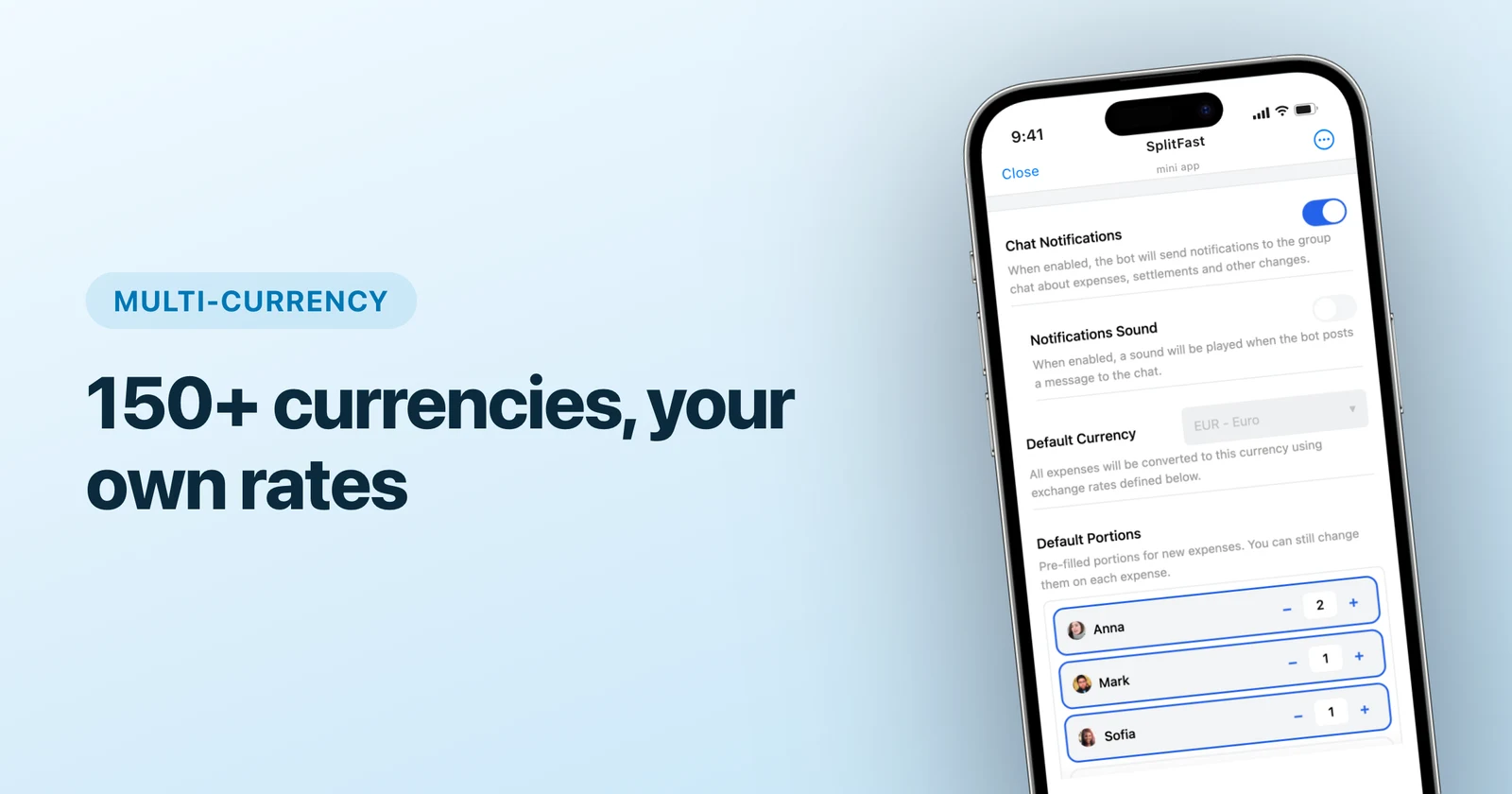
The clean way to split multi-currency trip expenses is to log every expense in the currency you actually paid, and let the app convert everything into one main currency for balances — which is exactly what SplitFast does in Telegram with live or custom exchange rates for 150+ currencies. No conversion spreadsheet, no "what was the rate on Tuesday" archaeology.
Why multi-currency trips break manual accounting
A weekend in one country is easy math. A real trip looks like this: flights booked in dollars, hotel in euros, food in local currency, one museum that inexplicably charged pounds. Now try keeping a fair ledger by hand:
- Every expense needs a conversion — at which rate, from which day?
- Whoever exchanged cash got a worse rate than the card payers.
- By day three, the designated accountant hates everyone.
The fix is structural: one main currency for balances, original currencies for records, automatic conversion in between.
Setting it up in SplitFast
Choose the main currency
Pick what the group thinks in — usually home currency. This is what balances and final settle-up amounts display in.
Log expenses as paid
Dinner cost 9,500 JPY? Enter 9,500 JPY. The original amount stays on the record — important when someone later asks "wait, how much was that dinner?"

Rates do the rest
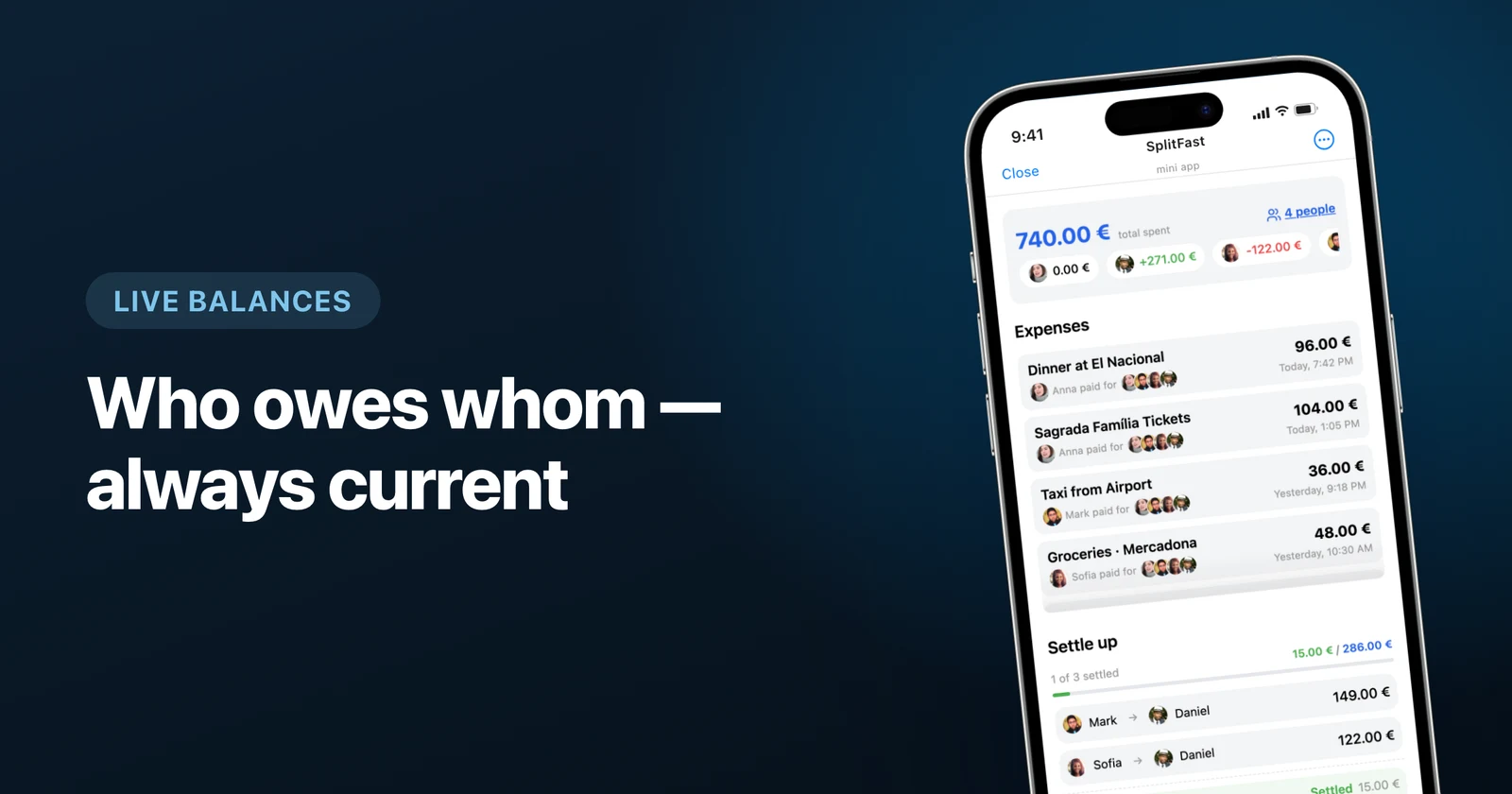
Each expense converts to the main currency at the live rate. Balances stay comparable across the whole trip regardless of where money was spent.
Custom rates when you need them
The group exchanged cash at 0.92 and wants all math at 0.92? Pin it as a custom rate — SplitFast marks it as yours and applies it consistently.
Custom rates: the underrated feature
Live market rates are correct in theory but occasionally wrong in practice: your group's money entered the trip at the airport-kiosk rate, not the interbank one. Arguing about a 2% rate difference is the least fun activity known to travelers. A pinned custom rate ends the argument by definition: the group's rate is the rate.
End of trip: settling across currencies
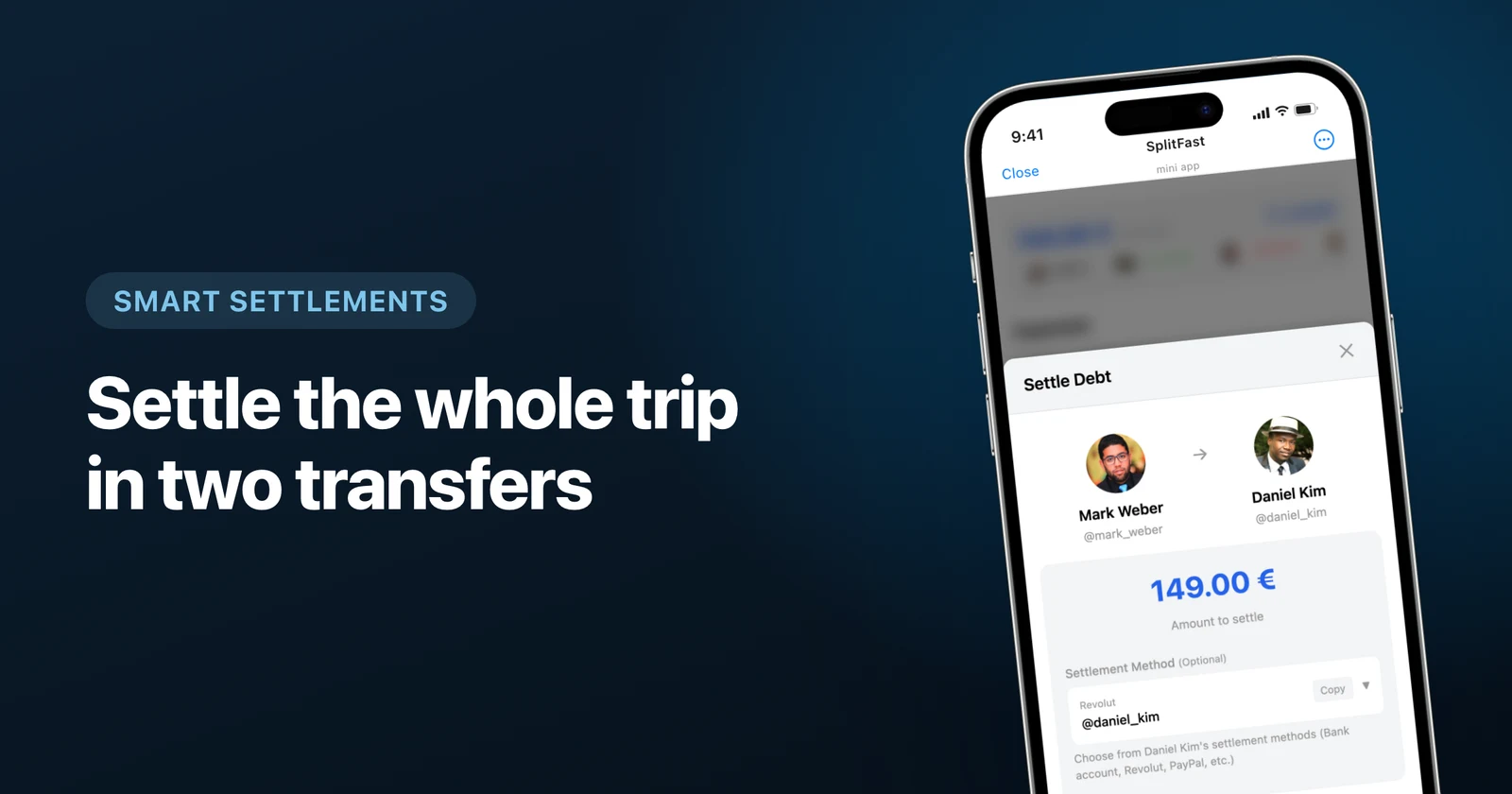
Because every balance is already in the main currency, settle-up is one number per person. SplitFast nets all debts into the minimum set of transfers — then people pay each other however they like: bank transfer, payment app, leftover cash from the trip. Mark it settled, done.
Checklist for your next international trip
- Create the group and add SplitFast before departure.
- Agree on the main currency (30 seconds, saves hours).
- Log expenses in original currencies, at the moment of paying.
- Scan restaurant receipts — AI extracts items even from foreign-language bills.
- Settle once, at the end, with netted balances.
Multi-currency used to be the boss level of group travel accounting. With the right structure it is just… accounting, running quietly in the group chat you already have.
Frequently asked questions
Which exchange rate is used when splitting foreign expenses?
By default, a live market rate at the time of the expense. If your group prefers its own number — say, the rate you actually got when exchanging cash — you can set a custom rate per currency and SplitFast uses that everywhere.
Can different people pay in different currencies on the same trip?
Yes, that is the normal case: one card pays the hotel in EUR, another pays tours in USD, cash covers local food. Every expense keeps its original currency, while balances converge in the group’s main currency.
How do we settle debts after a multi-currency trip?
Balances are already netted in the main currency, so each person gets one clear number. Pay each other in whatever currency or app is convenient and mark the debt settled.
How many currencies does SplitFast support?
Over 150 — enough to cover a round-the-world trip. Multi-currency is a Premium feature; single-currency groups are fully free.