Comparison
SplitFast vs Splitwise: Splitting Expenses in a Telegram Group
Read in other languages: Русский
If your group already chats in Telegram, SplitFast is quicker to start: you add the bot to the chat and every member is already in. Splitwise is a separate app that each person installs and signs up for. On most other points the two are closer than you might think. Here is the breakdown.
At a glance
| SplitFast | Splitwise | |
|---|---|---|
| Where it runs | Inside Telegram: a bot and Mini App in your group chat | A separate app for iOS and Android, plus a website |
| What to install | Nothing, if you have Telegram | The app, for every member |
| Sign-up | None, you log in with Telegram | An account with an email address |
| Getting people in | Group members are added automatically | Each person has to be invited |
| Receipt scanning | Yes: a photo becomes a list of items with prices | Yes: scan and itemize |
| Ways to split | Equally, by shares, exact amounts, by receipt items | Equally, by shares, percentages, exact amounts |
| Currencies | 150+, converted at the live rate or your own | Many, with conversion |
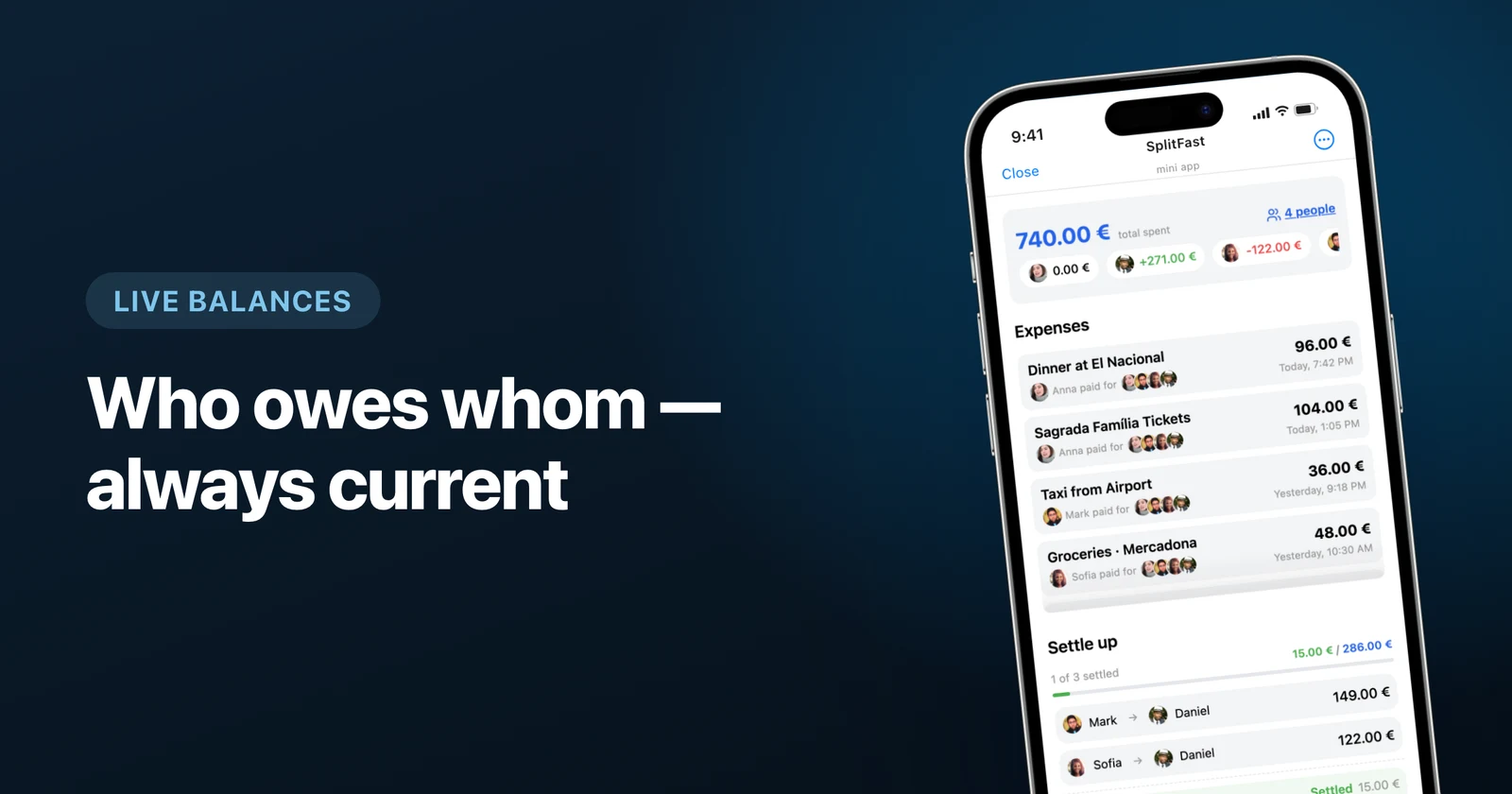
| Debt simplification | Yes, down to the fewest transfers | Yes |
| Where new expenses show up | In the same chat where you plan the trip | In the Splitwise app and by email |
The real difference: where the expenses live
In Splitwise a group is a separate place. Someone creates it, invites the friends and waits for each of them to install the app. Usually one person never does, and somebody else logs their expenses for them.
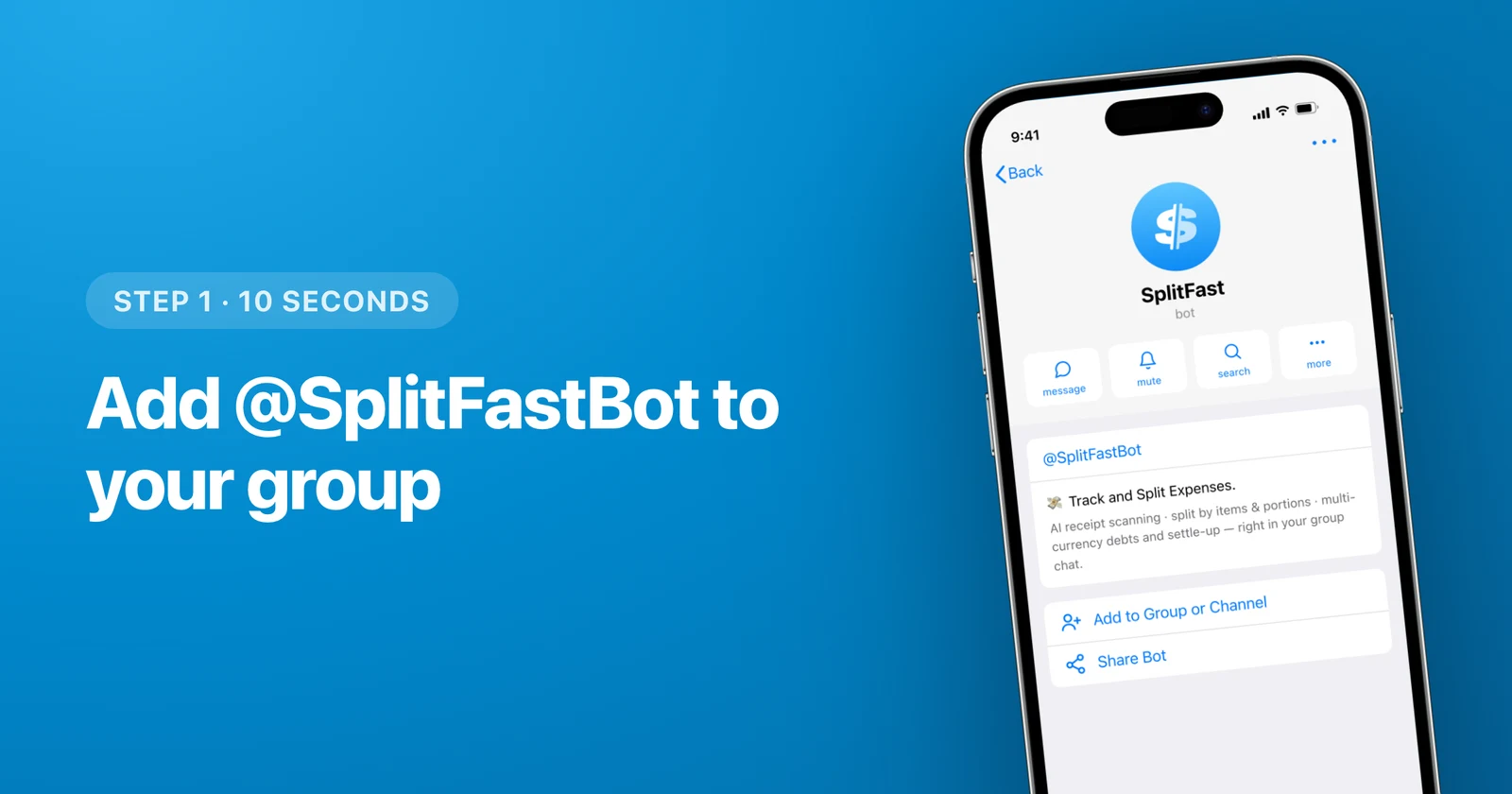
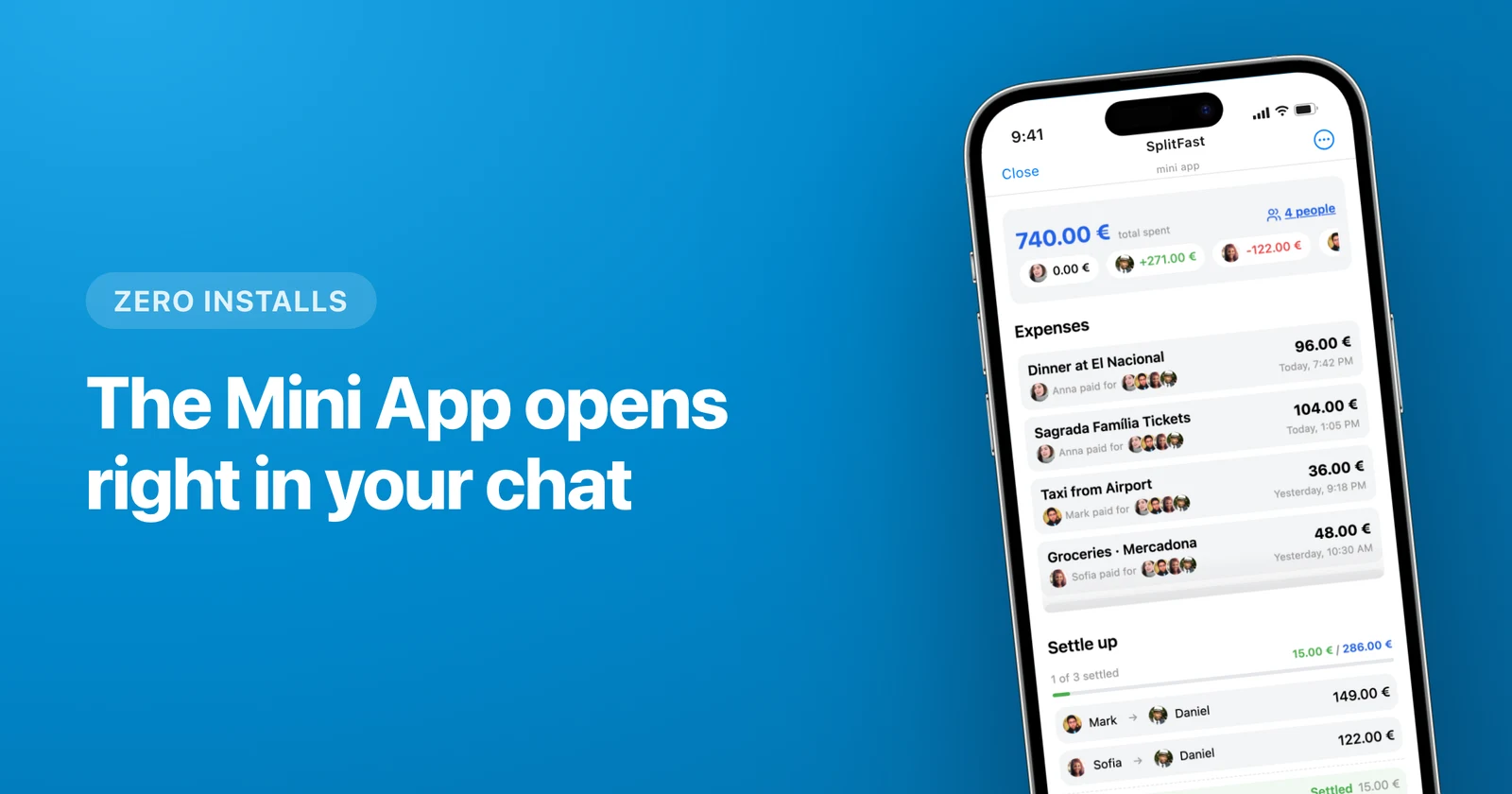
In SplitFast the group already exists: it is your Telegram chat. The bot goes into the same chat where you argue about the route and share photos. To add an expense, a member opens the Mini App from the chat. No passwords, you are signed in through Telegram.
Receipts and splitting by item
Both read receipts. In SplitFast you take a photo of the bill in the Mini App, get the list of dishes with prices and tap who ordered what. Two people share the pasta, the whole table shares the bread. More on the split a bill by receipt in Telegram page.
One more thing that saves time on trips: default portions. If someone in the group does not drink, or joins for only part of the route, you set them to 0 once. They stay out of new expenses until someone taps them back in.
Currencies and settling up
Hotel in euros, taxis in lira, dinner in dollars. SplitFast converts everything into the group's main currency at the live rate, and if you agreed on your own rate, you can pin it. The full walkthrough is in the guide to expenses in several currencies.
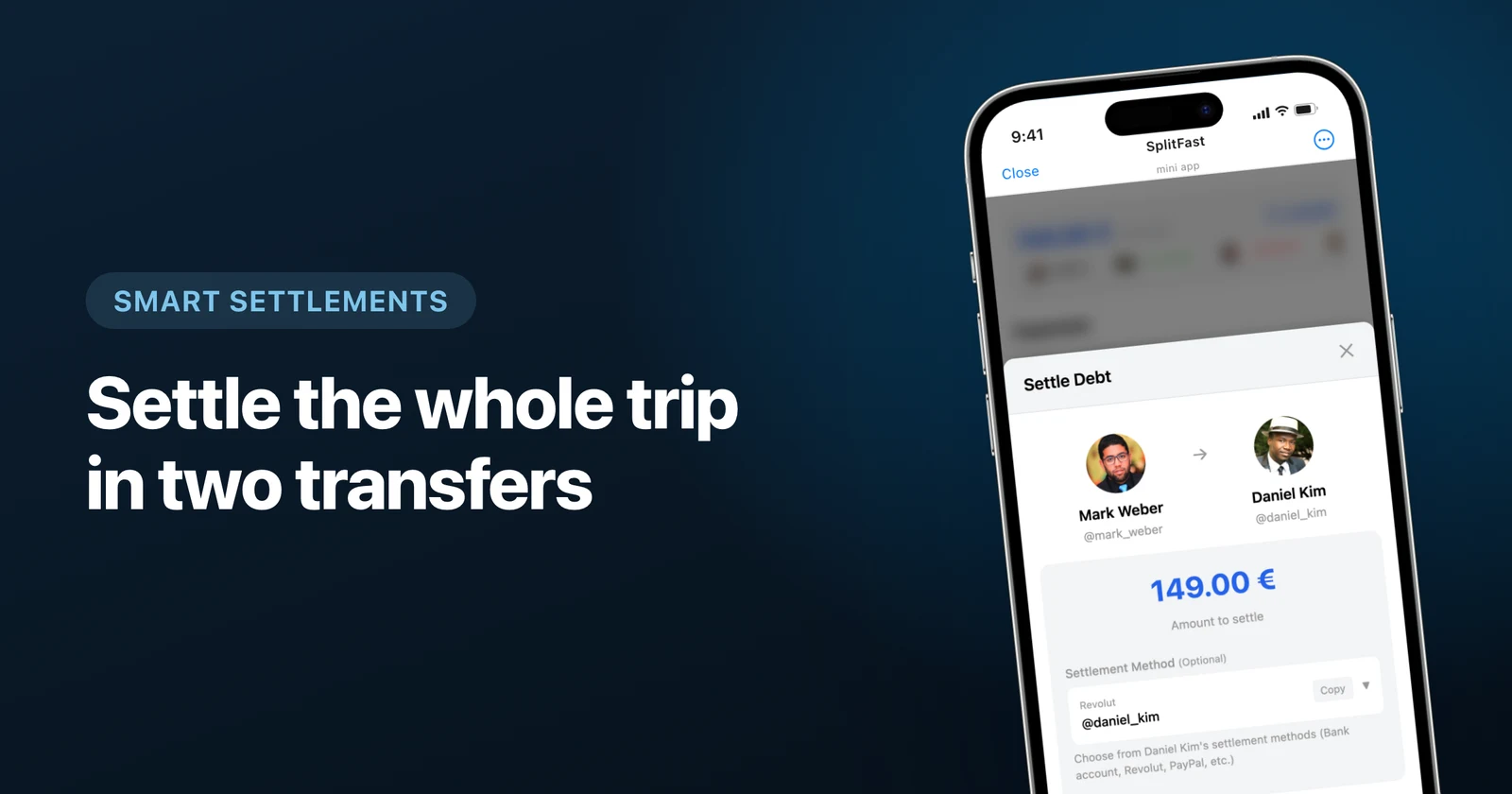
At the end both apps cut the debts down to the fewest transfers, so a dozen small "everyone owes everyone" payments become two or three. In SplitFast you can attach payment details to your profile, and nobody has to ask for a card number in the chat again.
Which one to pick
Pick SplitFast if
- your group already lives in a Telegram chat;
- some people on the trip will never install one more app;
- you split receipts by item right at the table;
- one friend writes in Spanish, another in Russian and a third in English.
Pick Splitwise if
- part of the group does not use Telegram;
- you have years of history in Splitwise and want to keep it in one place.
Moving over from Splitwise
Settle the old debts
Square up in Splitwise first. Copying open balances by hand takes a while, and it is easy to get a number wrong.
Add the bot to your chat
Open @SplitFastBot, tap "Add to Group" and choose the trip chat. The setup guide walks through it step by step.
Log the first expense the same day
Even if it is just the airport taxi. Once the group has one entry, the rest follow.
Frequently asked questions
Can I use SplitFast without Telegram?
Adding expenses and checking balances happens in Telegram, because SplitFast runs inside it. A friend without Telegram can be added to the group by hand. Their expenses are counted, but they cannot see the balance themselves.
Can I move my history over from Splitwise?
There is no automatic import. The simplest way is to settle up in Splitwise and start SplitFast with the next trip or the next month.
Does SplitFast work on a computer?
Yes. The Mini App opens in Telegram on iPhone and Android, in Telegram Desktop and in Telegram Web.
Who can see our expenses?
Only the members of your Telegram group.
Does everyone need to install a separate app?
No. Anyone in the Telegram group opens SplitFast straight from the chat.