Receipts
Split a Bill by Receipt in Telegram
Read in other languages: Русский

To split a bill by receipt in Telegram, open SplitFast from your group chat, take a photo of the receipt and tap who ordered what. Items and prices are read for you, and each person's part goes straight into the group balance.
What it looks like at the table
The waiter brings a long receipt: four mains, a pasta for two, a bottle of wine, a lemonade, bread. Kate pays because her card has cashback. While she taps her phone on the terminal, Dan is already taking a photo of the receipt.
Open SplitFast in the chat
Tap the bot's button in the group or open the Mini App. Chat members are already on the list, nobody needs adding.
Take a photo of the receipt
Start a new expense and snap the bill. A photo from your gallery or a screenshot of an e-receipt works too. A few seconds later you get the list: every dish with its price, plus the total.
Tap who had what
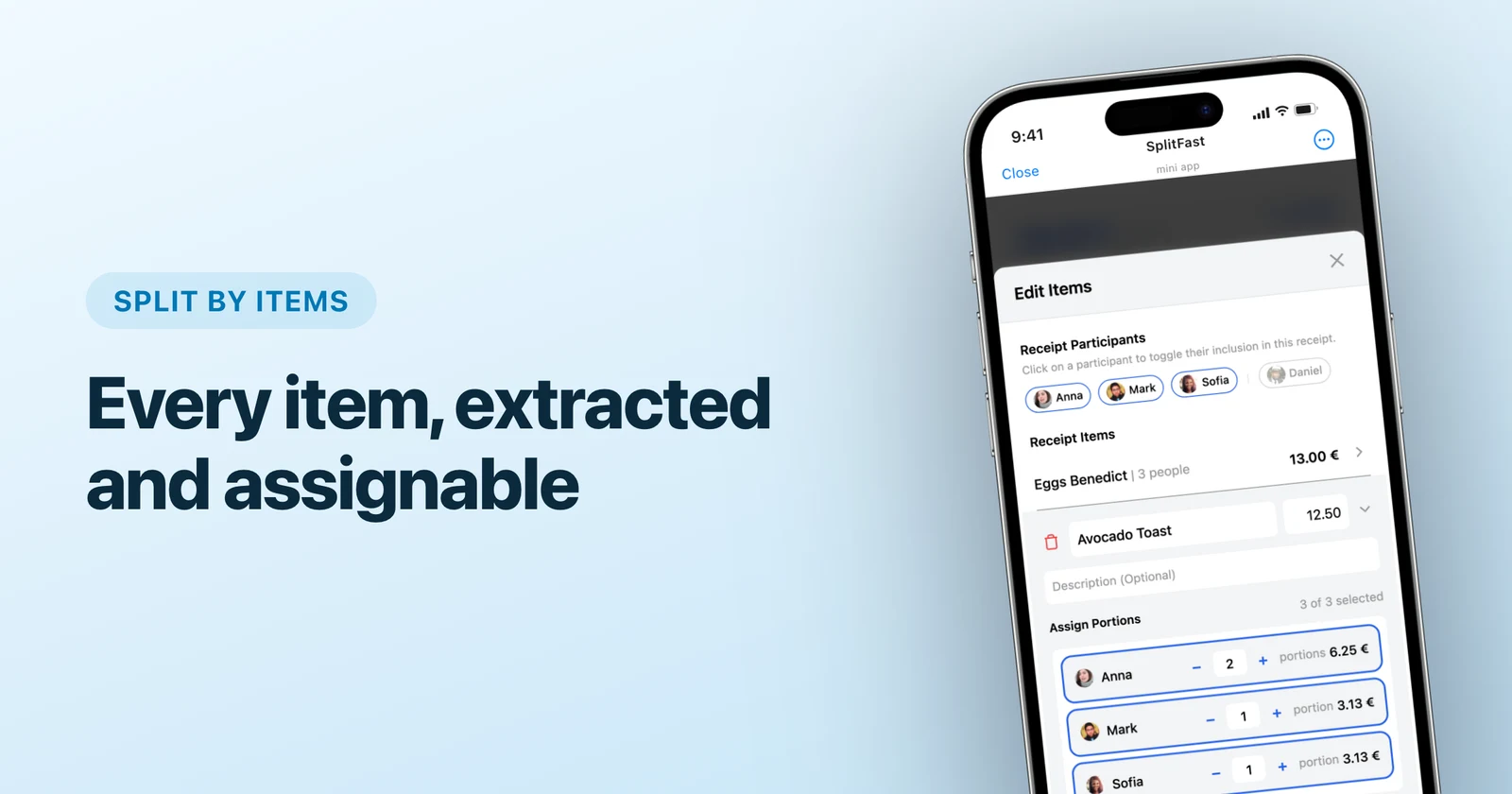
Tap an item and pick the people. Two people shared the pasta? Tap both and the price is halved. Someone ate more than the rest? Give them two shares.
Save
Balances update for everyone in the group. Kate just waits for the transfers, and at the end of the trip SplitFast cuts all the debts down to the fewest transfers.
When the receipt is not perfect
- Crumpled, shot at an angle, bad light. Usually fine: recognition is built for real photos taken at the table.
- In Czech, Turkish or Thai. Foreign receipts are read the same way. You can translate the item names so everyone knows what they ordered.
- One line came out wrong. Rename it, fix the price or delete it.
- There is a service charge. Keep that line in the expense and it spreads in proportion to what each person ordered.
When someone sits out the shared bill
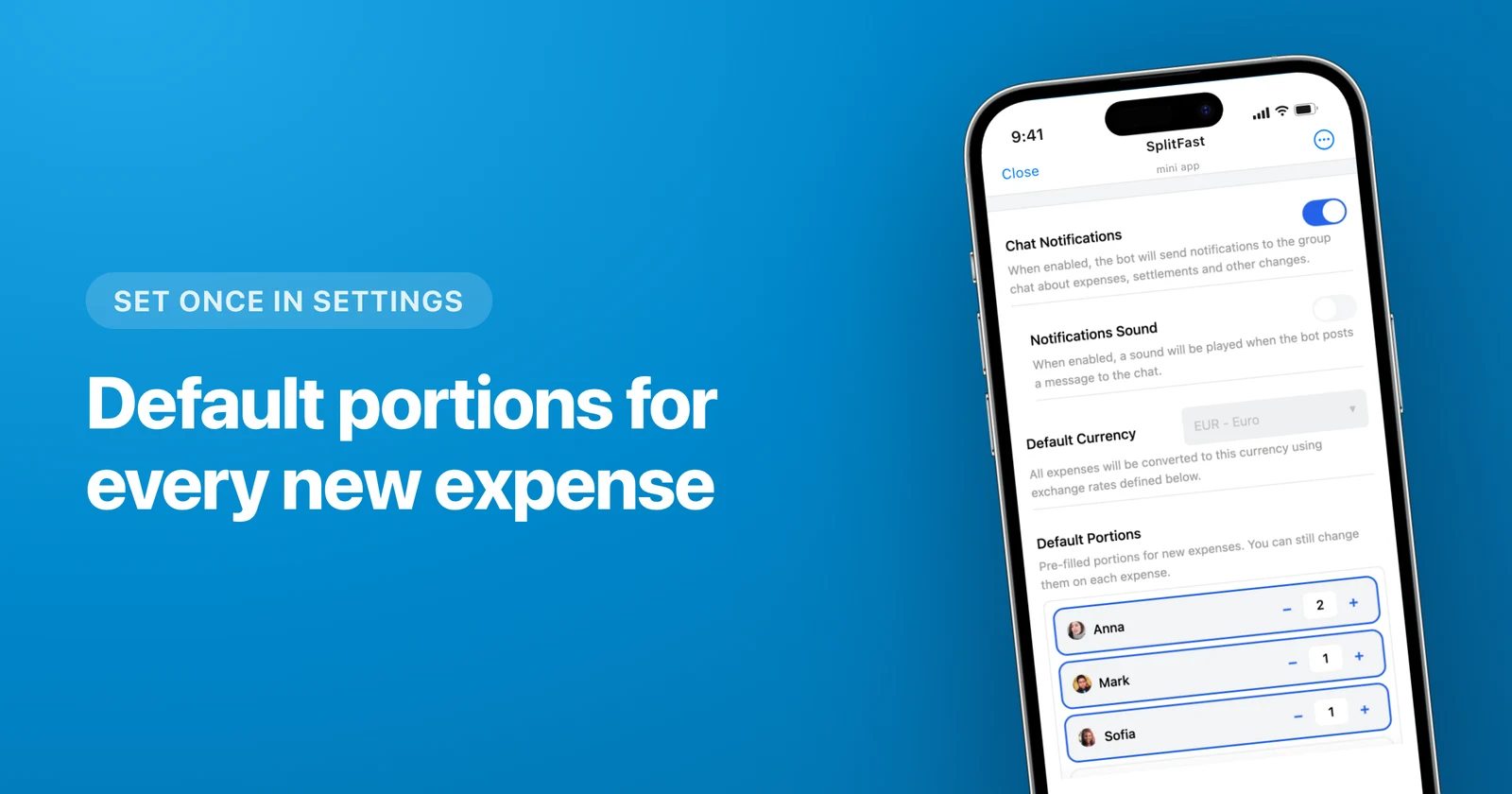
Most groups have someone who does not drink, or a friend who joins the trip for two days. For them the group settings have default portions. Set that person to 0 and they stay out of new expenses on their own, including the items from a receipt. If they did order something this time, one tap puts them back in.
Why not just a calculator
For a one-off split, the bill split calculator is enough. A receipt in SplitFast stays in the group's history: who paid, what was on the bill and who owes whom. A week later nobody has to remember what that lemonade cost. Choosing between apps? See SplitFast vs Splitwise.
Frequently asked questions
Does everyone need to install an app?
No. SplitFast runs inside Telegram. Anyone in the group opens the Mini App straight from the chat.
Can I split by items without a photo?
Yes. You can type the items in by hand, and the rest works the same: tap who had what and save.
How do I split a dish that only some people had?
Tap only the people who ate it on that item. Its price is split between them, and everyone else pays nothing for it.
How does SplitFast work out who owes whom?
Every expense moves the balances: the person who paid is owed, everyone else owes their part. At the end the debts are cut down to the fewest transfers, and SplitFast shows who sends whom how much.