Guides
How to Split a Bill Unequally: Portions, Weights and Exact Amounts
Read in other languages: Русский·简体中文·Bahasa Melayu·தமிழ்
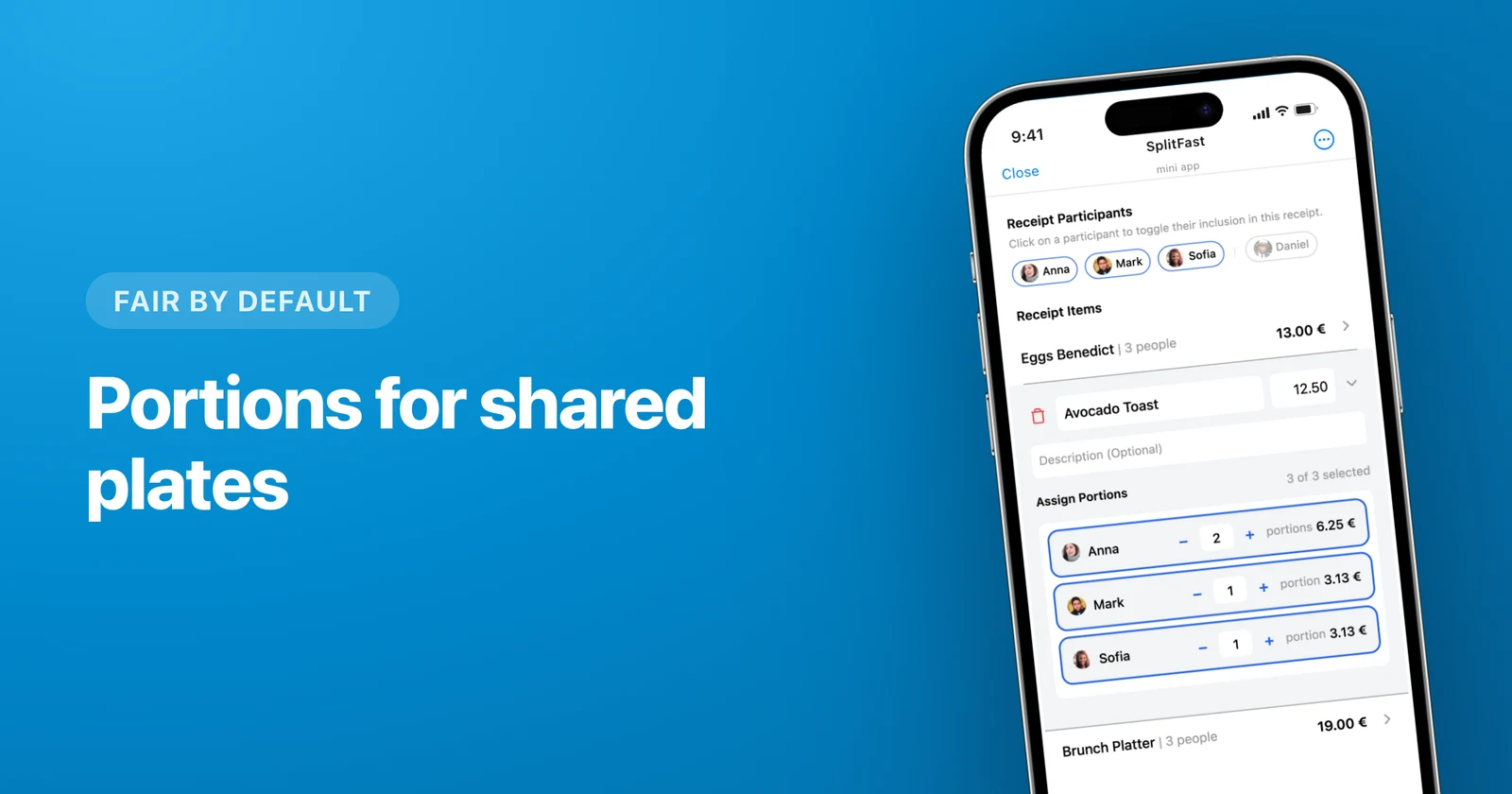
To split a bill unequally you have two moves: give every person a weight in portions (two for an adult, one for a child, zero for the driver who skipped the wine), or type exact amounts when the numbers are already agreed. SplitFast does the proportion for you, inside the group chat you already have in Telegram. Below, one $100 dinner goes through all three modes.
11:40 pm, the check lands on the table
Six people. Anna, Ben, Vicky and Greg, plus Max who is ten and Lily who is five. The bill is $100: $76 of food, $24 of wine. Anna hands over her card.
Someone says let's just split it evenly. That is $16.67 each, including five-year-old Lily, who ate half a bowl of pasta and fell asleep on the banquette. Vicky is driving and did not touch the wine, so under this scheme she buys a fifth of the bottle for everyone else.
Even splits are great right up to the moment the table stops being uniform. Kids, non-drinkers, the friend who showed up for thirty minutes — that is when you need weights.
Mode 1. Portions: adult 2, child 1
A portion is a weight. You never calculate dollars. You say "this one eats twice as much as that one" and the money follows.
Open the expense and switch to portions
The food line, $76, is the one with the real inequality in it. Change its split mode from equal to portions.
Type the weights
2 for each adult, 1 for Max, 0.5 for Lily. Fractions are fine, and half a portion is exactly how you record "she ate half a plate" without anyone having to say it out loud.
Read the result
Nine and a half portions. $76 ÷ 9.5 = $8 per portion, and every line fills itself in.
| Person | Portions | Owes |
|---|---|---|
| Anna, Ben, Vicky, Greg | 2 each | $16 each |
| Max, 10 | 1 | $8 |
| Lily, 5 | 0.5 | $4 |
| Food total | 9.5 | $76 |
Mode 2. Zero portions: no wine, no charge
The wine goes in as its own expense, $24. Vicky gets 0. The kids get 0. Anna, Ben and Greg get one portion each, which lands at $8 apiece.
Zero is one tap. Nobody leaves the group, nobody gets deleted, they simply are not in this particular expense. That distinction matters more than it sounds — removing people from groups to fix one bill is how histories get broken.
Where the evening ended up
| Person | Food | Wine | Total |
|---|---|---|---|
| Anna | $16 | $8 | $24 |
| Ben | $16 | $8 | $24 |
| Greg | $16 | $8 | $24 |
| Vicky | $16 | — | $16 |
| Max | $8 | — | $8 |
| Lily | $4 | — | $4 |
Anna paid the whole $100, so the table owes her $76. From there, balances collapse into the fewest possible transfers instead of six people sending each other small amounts all week.
Mode 3. Exact amounts
Sometimes there is no ratio behind the numbers. There is a conversation.
Greg pulls out cash: "round mine up, put me down for $25, I don't want to deal with coins." You can close the same evening as a single $100 expense and type six numbers by hand — 25, 24, 24, 16, 8, 3 — with the screen showing how much of the bill is still unassigned. When the leftover reads zero, save.
Same mode, other classic cases:
- Someone declares a fixed contribution. "I'm in for $20, split the rest between you." Type 20, distribute what remains.
- A group gift where everyone gives what they can afford, and the amounts have no relationship to each other at all.
One practical difference between the modes: portions survive a change in the total. The waiter brings a corrected bill of $98, the ratio still holds, every number recalculates itself. Exact amounts have to be retyped. Keep portions for anything a proportion can describe, and save exact amounts for the cases where there never was a proportion.
Default Portions: set the ratio once
If the group is the same every time, stop re-typing weights. Save 2 : 2 : 1 : 1 once and every new expense opens with those numbers already filled in.
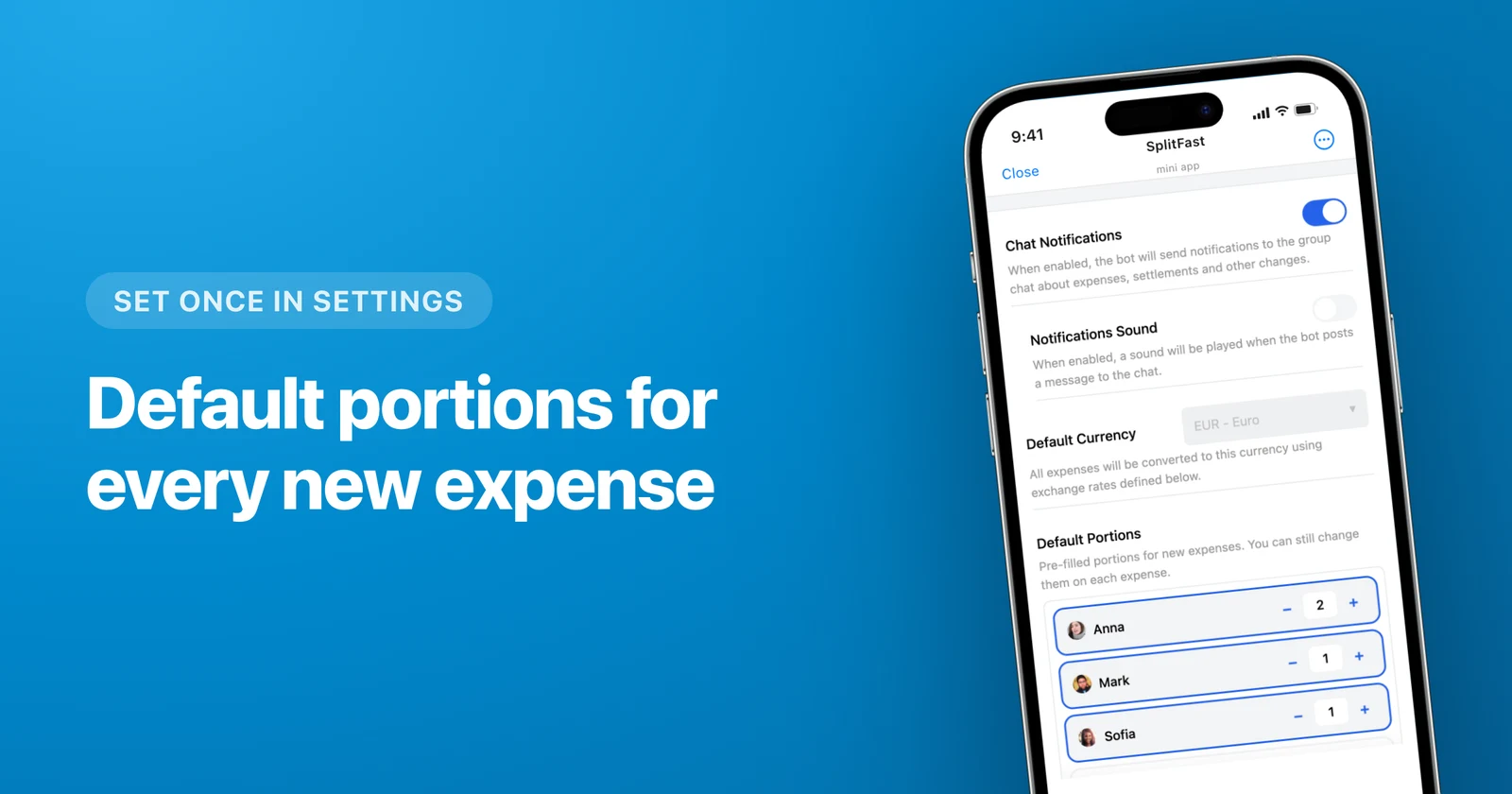
Zero deserves its own paragraph. A member whose default is 0 is never pulled into an expense automatically. Not when you photograph a receipt and the items get distributed, not when you add an item by hand. Grandma stays in the family group, sees everything, owes nothing, until somebody deliberately taps her up to 1 for the one dinner she actually attended.
Where portions stop working
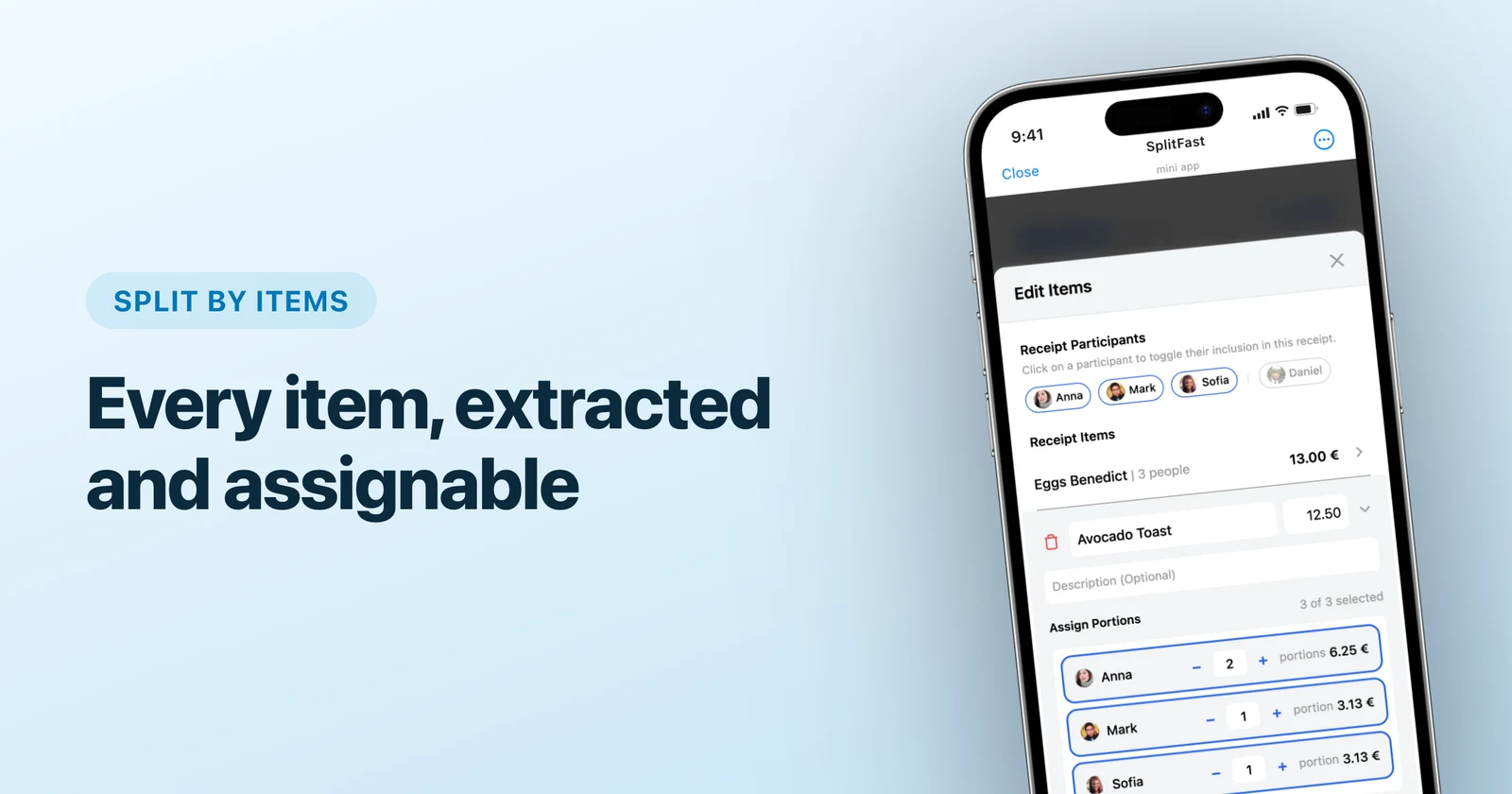
Weights are comfortable while the difference fits into words like "twice as much" or "half". Once everyone ordered something different and the spread runs from soup to steak with a wine pairing, guessing at weights is worse than useless. That is the next level down: splitting the bill by receipt items, where each line goes to whoever ordered it. Photograph the receipt and the lines come in on their own.
Five more uneven situations
- The bachelorette dinner. A $120 bill for six, and the bride does not pay. Give her 0, the other five land on $24 each. Nobody has to do the "so how much extra do we each owe for her" math out loud.
- A weekend house. Portions are nights. Three people stayed three nights, one left after the second: 3, 3, 3, 2. The rent divides itself and nobody argues about the extra night.
- Couple among singles. Two portions for the couple, one each for everyone else, and the couple's internal balance nets out anyway.
- The bar tab. People who arrived for the last round get one portion, the ones who were there from the start get two or three.
- The flatmate without a car. Fuel and parking come up every month, and their weight on those is permanently 0.
An uneven split is not more complicated than an even one. It is the same expense with a few different digits in it. If your group is not in SplitFast yet, the setup guide takes about a minute — add the bot to the chat and everyone is already in.
Frequently asked questions
What is the difference between portions and splitting by items?
Portions are weights: you say "this person ate twice as much as that one" and SplitFast turns the ratio into money. Item splitting works one level lower — each line of the receipt is assigned to whoever ordered it. Use portions when the difference is describable in words (adults vs kids, three nights vs two). Use items when everyone ordered something different.
Can I use half a portion?
Yes. Fractions are normal: 0.5 for the child who ate half a plate, 1.5 for the person who went back for seconds. The total is divided by the sum of all portions, so any ratio works.
How do I keep someone out of expenses automatically?
Give them 0 in Default Portions. A member sitting at 0 by default is never added automatically — not when you scan a receipt, not when you add an item by hand. They only join an expense when someone taps them up to 1.
One person pays a fixed amount and the others split the rest. Is that possible?
That is the exact-amounts mode. Type the fixed number for that person, and the screen shows how much of the bill is still unassigned. Spread the remainder across everyone else and save when the leftover hits zero.