Languages
The Expense-Splitting App That Speaks Your Language
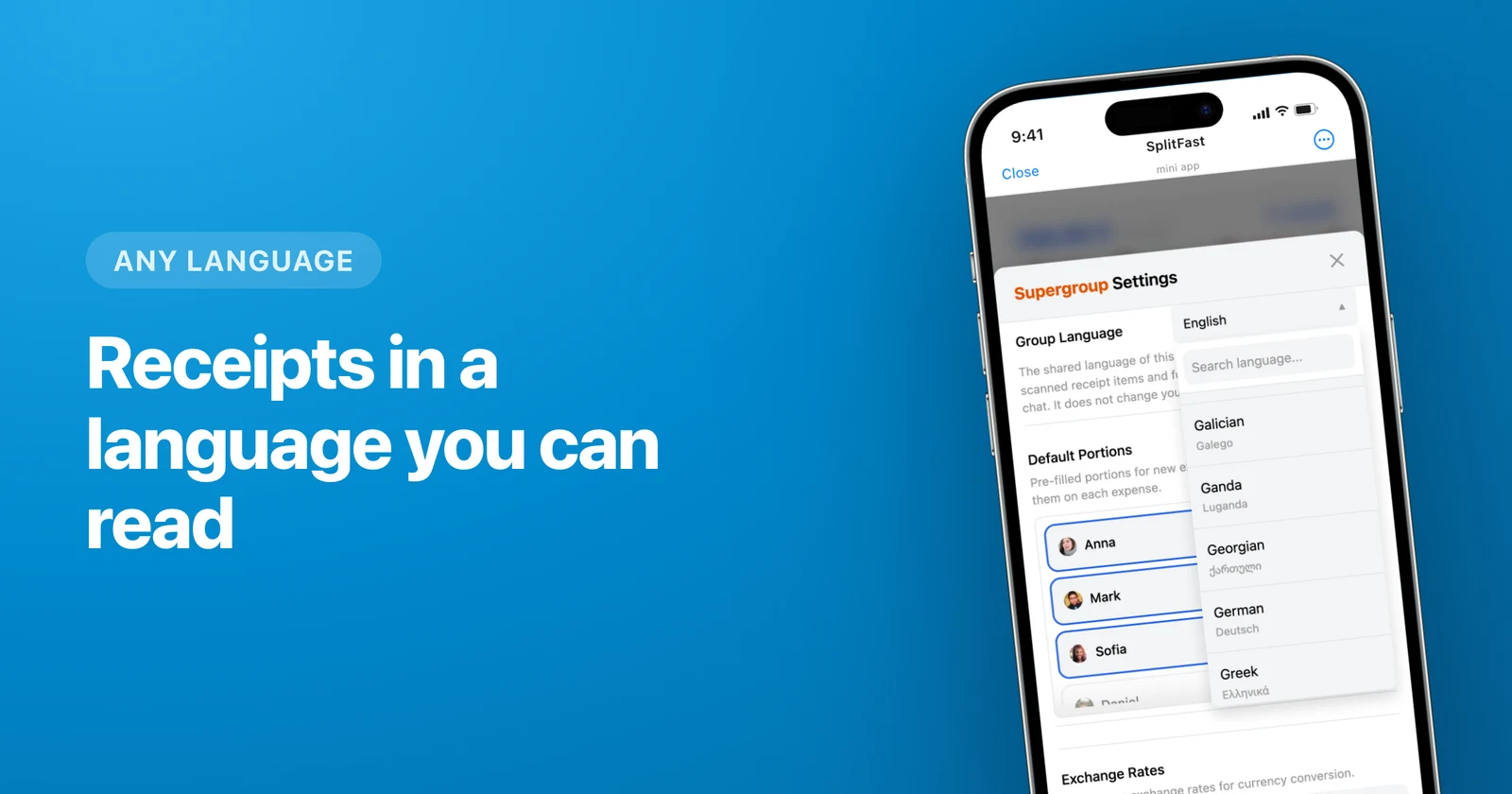
SplitFast ships its interface and bot messages in seven languages — English, Russian, Ukrainian, Belarusian, Simplified Chinese, Malay and Tamil — and translates scanned receipt items into roughly two hundred more. Language is a setting inside Telegram, not a separate app build, so nothing has to be downloaded or reinstalled to switch.
- Seven full interface languages; each member picks their own.
- One shared group language drives bot messages and receipt translation.
- Receipt item names can be translated into ~200 languages.
- All four official languages of Singapore are covered.
Three language settings, and why they are separate
Most apps have one language switch. Splitting money in a group chat needs three, because three different audiences read three different things.
- Your interface language. Personal. Comes from your Telegram, changeable in the profile. Your flatmate can read the same expense list in another language without asking you first.
- The group language. Shared. It decides what language the bot writes in when it posts "new expense" or "debt settled" into the chat, and it is the target language for receipt translation.
- The language on the receipt. Not a setting at all — that one is decided by the restaurant in Osaka, and the app deals with it.
Everyone reads their own screen
A four-person dinner in Singapore is the easy example: one person's Telegram is in Tamil, one in Chinese, one in Malay, one in English. Four screens, four languages, one bill of S$96 and one set of balances. Nobody has to agree on a common interface language before the food arrives.
Under the hood the app stores amounts, portions and debts once. Only the labels differ, so there is no version of the truth that depends on who is looking.
The receipt is a different problem
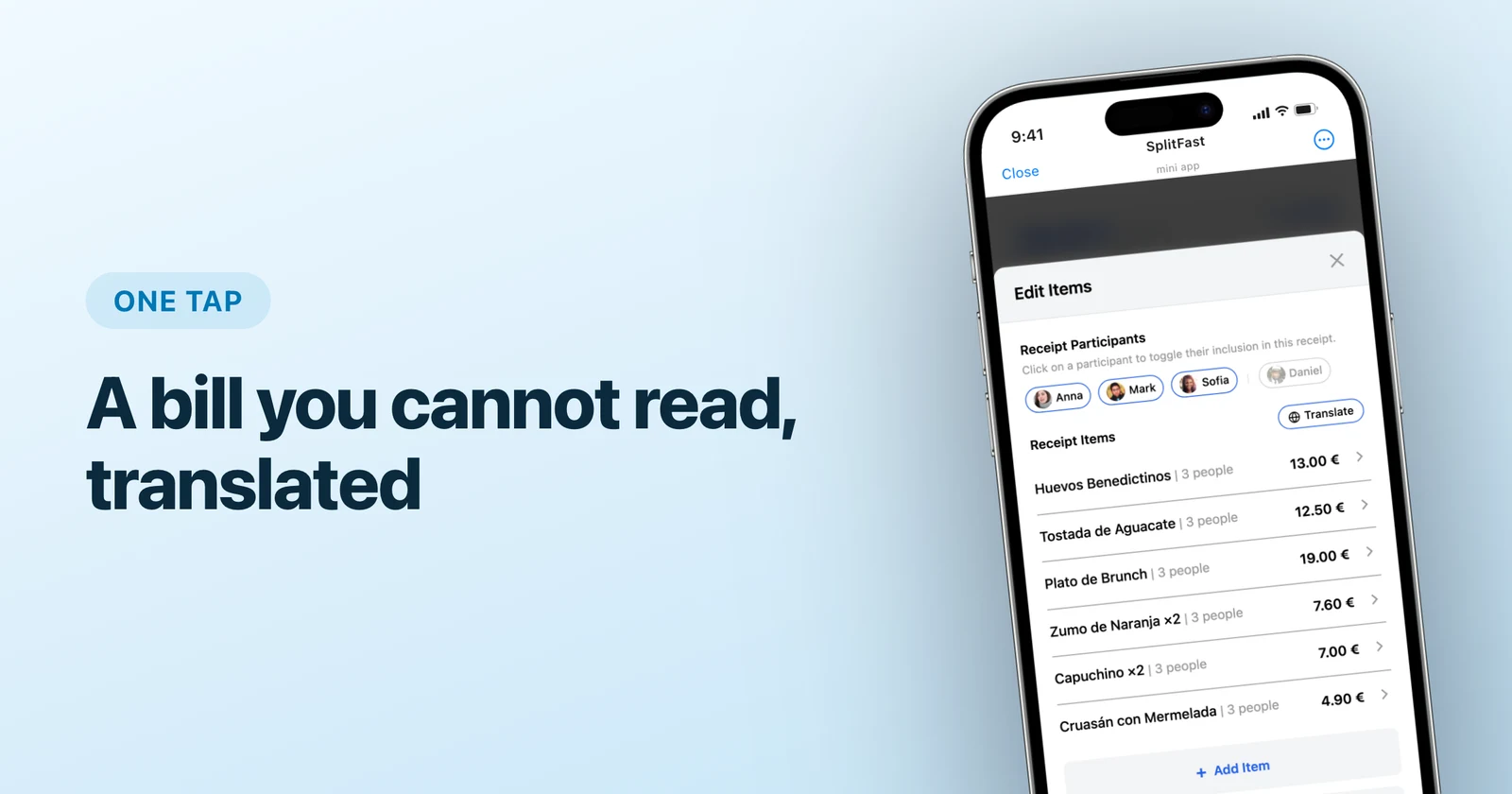
A bill printed in Japanese does not become readable because your app is in English. Photograph it, and the AI pulls out every line with its price; then one tap rewrites the item names into the group language, so "お通し" turns into something you can actually assign to a person. The Original / Translated switch stays available for whoever is holding the paper.
The full walkthrough lives in foreign receipts, translated and split.
What is translated, and what is not
| Language used | |
|---|---|
| Mini App interface | Your personal language (7 available) |
| Bot messages in the chat | Group language, English as fallback |
| Receipt item names | Translated into the group language (~200) |
| Member names | Exactly as in Telegram |
| Amounts and currencies | Formatted per currency, 160+ supported |
Picking a group language nobody has to argue about
The group language is one shared field, and any member can change it. In practice groups set it to whatever the majority reads, then forget about it. The interesting case is a group where nobody shares a first language: set it to English, keep your own interface in Tamil or Chinese, and the only thing that arrives in English is the bot's one-line notification in the chat.
Languages without a bundle behave predictably too. Choose Vietnamese as the group language and receipt items come back in Vietnamese, while the bot's chat messages stay English — the app tells you this in settings instead of letting you find out later.
Start in your own language
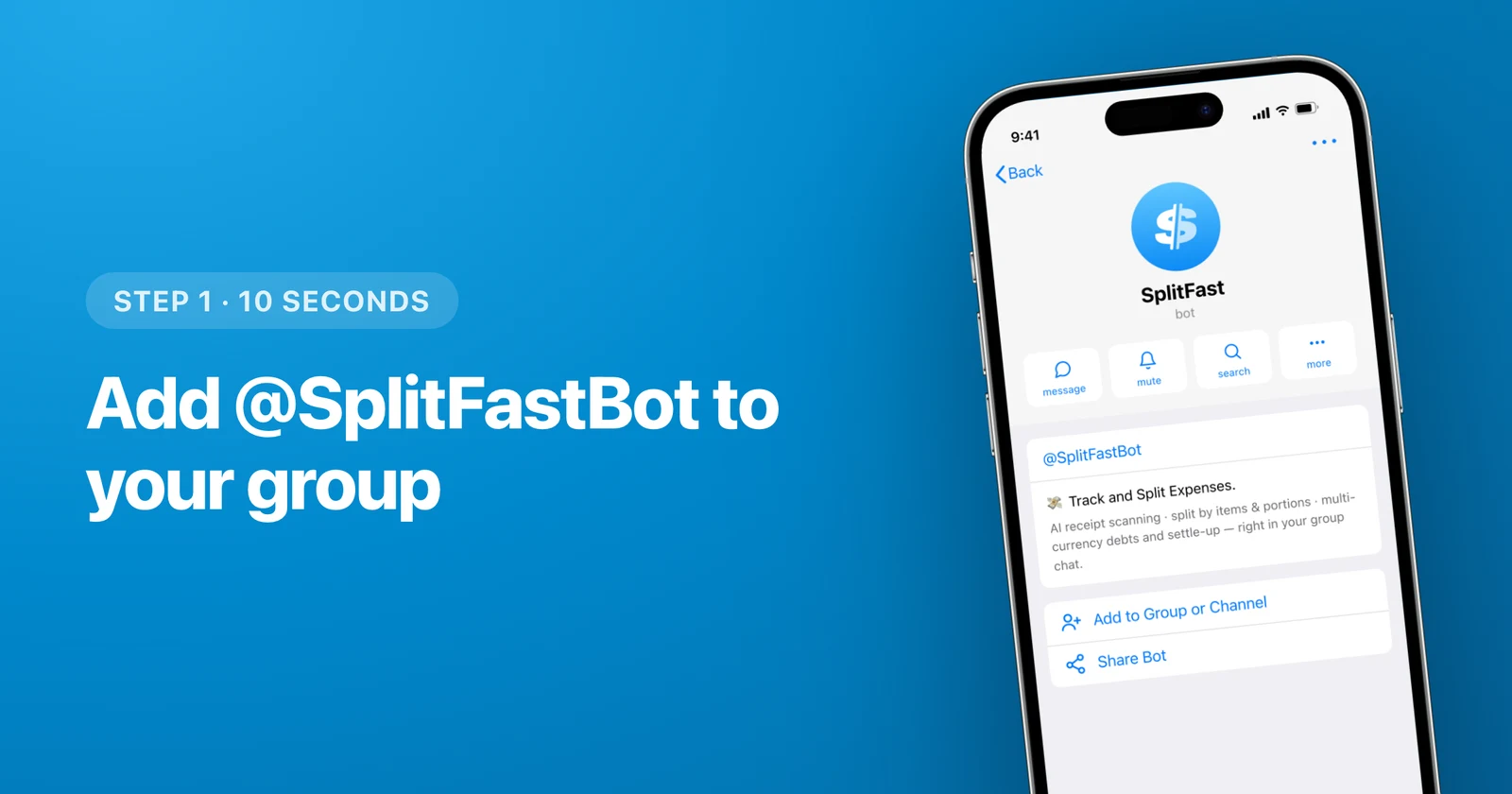
Add @SplitFastBot to the group where the trip is already being planned. Members are picked up automatically, the first expense takes about ten seconds, and balances update after every entry. The step-by-step version is in how to split expenses in Telegram; if your trip also spans currencies, read one trip, five currencies.
Frequently asked questions
Which languages does SplitFast support?
The Mini App interface and the bot messages ship in seven languages: English, Russian, Ukrainian, Belarusian, Simplified Chinese, Malay and Tamil. The group language — the target for receipt translation — can be any of roughly two hundred, from Arabic to Vietnamese.
Can two people in the same group use different languages?
Yes. The interface language is per person and follows their Telegram. One member reads the app in Tamil, another in English, a third in Chinese, and all three look at the same amounts, portions and balances.
What language does the bot use in the group chat?
The group language, which is one shared setting any member can change. If it is set to a language without a translation bundle, bot messages fall back to English while the rest keeps working normally.
Does it translate the receipt itself?
It translates the item names. Photograph the bill, the AI extracts every line with its price, and one tap rewrites those names into your group language. The original stays behind a switch so anyone can check against the paper.
Does SplitFast cover all four official languages of Singapore?
Yes — English, Malay, Mandarin Chinese in Simplified script and Tamil all ship as full interface languages, and the Singapore dollar is one of the 160+ supported currencies.
Do I need a different app version for another language?
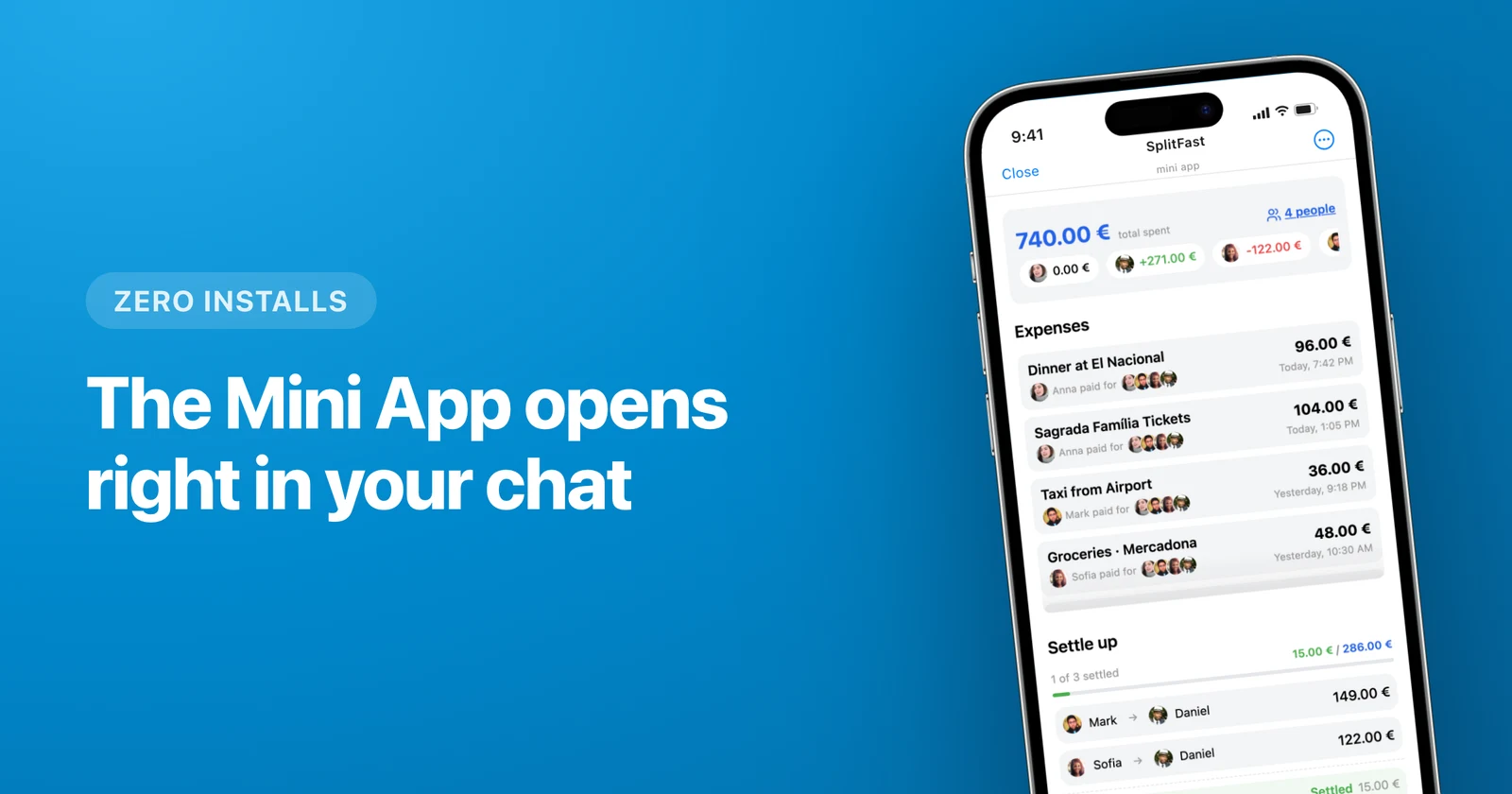
No. SplitFast is a Telegram Mini App, so there is one version for everyone and the language is a setting, not a download.